
You Can Now Order Printed Invitations on Lemonvite
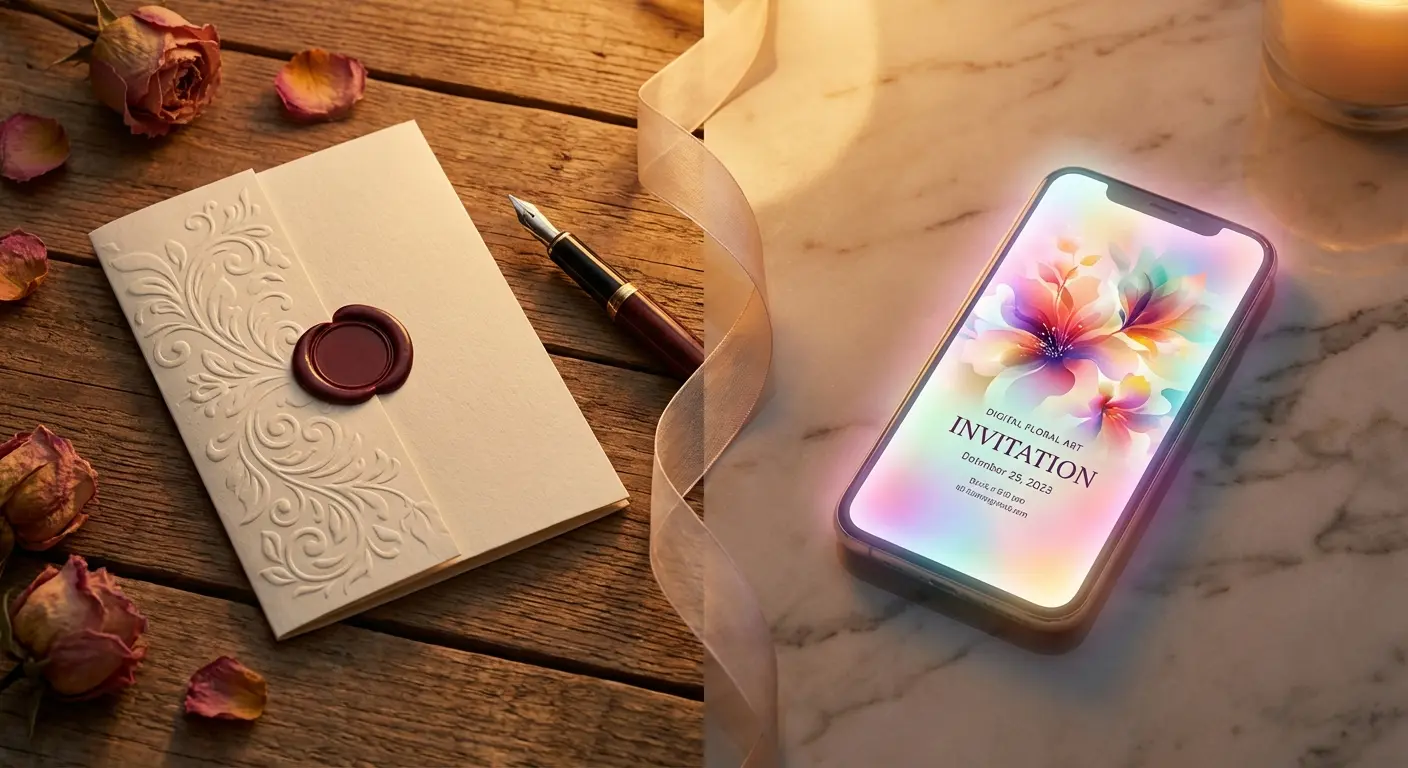
Every guest list has an Aunt Carol. She has a smartphone and reads your texts, and she still wants a card she can stick on the fridge, and she will call you to RSVP instead of tapping a link. For years the answer was to send forty digital invites and then stand at a drugstore photo counter printing six more on glossy paper that curls by Thursday.
Starting today you can skip the drugstore. You can order printed invitations of the exact design you made on Lemonvite, and they show up at your door on thick card stock. If you add the RSVP QR code, Aunt Carol can scan the card and land in the same guest list as everyone else. Or she can still call you. That's what the edit-an-RSVP-by-hand button is for.
What you get
Each invitation is a 4x6 inch flat card on 120 lb silk cover stock. That's heavy, smooth paper with a soft sheen, the kind that stands up on a mantel without flopping over. The cards come without envelopes, so pick up a pack of A6 envelopes (the standard size for a 4x6 card) if you're mailing them, or hand them out as they are.
We ship anywhere in the US and Canada. Before anything goes to print, we check the shipping address you typed, so a missing apartment number gets caught at checkout instead of three weeks later when the box comes back.
The QR code is optional, and you can add it once your event is published. It points at your event's public RSVP link, so anyone who scans it can reply on their phone without an account or an app. If you'd rather keep the card clean, leave it off. Your design prints the same either way.
How ordering works
Prints live in a new Services tab on your event, next to the Event, Wall and Design tabs. Here's the whole flow:
- Make your design. Use Lemonvite's design engine, upload your own art, or bring one in from Canva. If you already have a published event, you're done with this step.
- Open Services. Pick how many cards you want and type the shipping address.
- Check the preview. You see the exact print-ready file, edges and all, before you pay. If your design started small, we upscale it so it prints sharp at full size.
- Pay and wait. The price, with shipping, is right there before you check out. Once it's paid, the order goes to the printer and the Services tab shows where it is, with a tracking link once it ships.
One limit worth knowing: animated designs can't be printed. Paper doesn't move. If your invitation is a GIF, pick a still design for the prints and keep the animation for the digital version.
Prints are an add-on, and that's the point
If you've read anything we've written, you know the pitch: one flat price per event, every feature included, no ads, no upsells. (Larger phone guest lists may need extra credits to cover texting costs.) So does selling prints break that promise? I don't think so.
An upsell is when a product holds something back so it can charge you to get it, like a pop-up that nags you to go Pro or read receipts locked behind a premium tier. None of that is happening here. The digital invitation is exactly what it was yesterday, with every feature still in it, and nothing on it nudges you toward paper.
Printing is a different thing. Real cards cost real money to print and ship, so prints are priced on their own and you only pay for them if you order them. It's the same deal as a dry cleaner that also offers delivery, and nobody feels upsold by that.
And you don't need us for this at all. Once your event is published, you can save your design and print it wherever you like, including the office printer if you're brave. We built the Services tab for the people who'd rather not deal with file sizes and bleed margins and just want the box to show up.
When paper actually makes sense
I'm biased toward digital. You can see who opened the invite, and you can change the time after it's sent. I wrote a whole post on digital vs paper invitations and I still stand by most of it.
But a few situations really do call for both:
- Weddings and milestone birthdays. Some guests keep the card. A printed invitation becomes a keepsake in a way a text never will. Pack sizes and prices for printed invitations are all on one page.
- Older relatives can get a card with the QR code while everyone else gets the digital invite. Their RSVPs all end up in one place.
- The fridge factor. A card on the fridge is a reminder that sits there for weeks. For a kids' party where parents are juggling six other invitations, that matters.
- Save the dates. A card that arrives months ahead for a wedding or a destination trip gets kept. Print a save the date now, then send the full digital invitation when the details are locked.
- Cards are also handy to hand out in person. Leave a stack at the office or the school pickup line, and the QR code takes people straight to your RSVP page.
Timing shifts a little when paper is involved. Printing and shipping add days, and mailing to guests adds more, so start earlier than you would for a text. Our guide on when to send party invitations has the usual windows; for paper, add a week or two on top. Planning a wedding? The wedding invitation timeline already assumes paper.
Mixing paper and digital without losing track
The real headache with paper used to be the RSVPs. Cards go out, replies trickle back over a week of texts and voicemails, and you end up keeping a second list on the back of an envelope.
With the QR code on the card, paper guests reply the same way digital guests do. Their answers land in your guest list next to everyone else's. When it's time for a nudge, the reminder goes only to the people on your guest list who haven't replied. Add your paper guests to that list too, and they get the nudge along with everyone else. If someone calls instead, you can mark their RSVP yourself in a few seconds. The RSVP etiquette guide covers how hard to chase the stragglers, paper or not.
Try it on your next event
Open any event with a still design and click Services to see the print preview. Ordering is optional, and nothing is charged until you check out. If you don't have an event yet, start one here and see what the design engine comes up with. Aunt Carol will appreciate the card.