
What to Look For in a Guest List Manager for Private Events
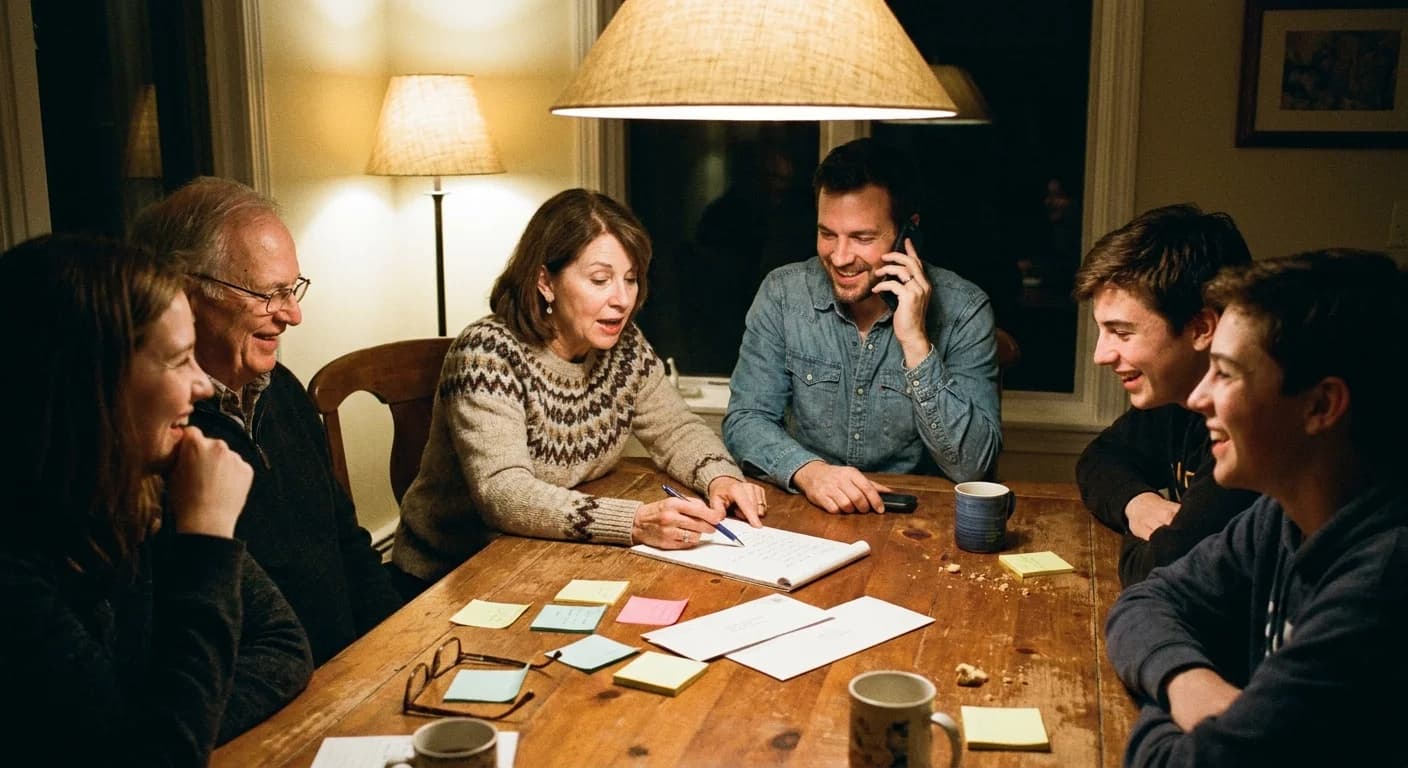
When we planned my dad's retirement party, the guest list arrived in four pieces. My mom had forty names in her phone. His old colleague emailed a list from the office with job titles but no phone numbers. My aunt texted the family side "plus whoever I'm forgetting," and the neighbors came in on a sticky note. Eighty-five people, four formats, zero structure.
I started in the Notes app, like everyone does. By the end of the week I had three versions of the list, two different Craigs, and no idea which Craig was coming. That mess is exactly what a guest list manager is for. After running several private events through different tools since, I have firm opinions about which features matter and which are brochure filler.
Guest list manager features that actually matter
Import that meets your list where it is. Your names live in your phone contacts, in old email threads, on paper. A good tool lets you paste a rough list (names with numbers or emails in any messy combination) and sorts it out, or pulls straight from a contacts file. If you have to hand-type eighty guests into eighty little forms, that's a no. Life is short.
Statuses beyond yes and no. Real lists have four kinds of people on them: attending, declined, maybe, and silent. A tool that only counts yeses hides the difference between "hasn't decided" and "never saw it," and that difference decides who you follow up with and how. This is the core of tracking RSVPs properly, and plenty of tools get it wrong.
Read receipts on the invitation. You should be able to see who opened their invite. Without this, every silent guest is a mystery. With it, you know who needs a resend and who needs a nudge, which are very different messages.
Headcounts that understand households. People come in bundles. A useful manager handles plus-ones and counts adults and kids separately, so "the Hendersons are coming" turns into a number the caterer can use.
Messaging just a slice of the list. At some point you'll need to tell just the attendees about a parking change, or just the silent people that you need an answer. Blasting all eighty-five for either is how you train guests to ignore you.
Room for more than one manager. Nobody plans a retirement party alone. My mom owned the family side of the list and I owned logistics, which meant we both needed to see and edit the same list. If a tool can't add a co-host, one of you becomes the bottleneck who gets texted "can you check if the Okafors replied?" nine times a day. That person will be you.
A few things matter less than the marketing suggests, while I'm at it. Seating chart builders are overkill for anything short of a wedding. So are meal-choice matrices and per-guest tagging taxonomies. If you're hosting a retirement party and the tool is asking you to define custom guest attributes, you've wandered into wedding-industrial software.
The features your guests will notice
Most comparisons skip half the product: a guest list manager has users on both ends. You see the dashboard. Your guests see everything else, and a private event lives or dies on how that side feels.
No accounts required. My dad's colleagues are in their sixties and seventies. Exactly none of them were going to create an account on an events platform to answer "are you coming to Dave's retirement party?" Every signup wall costs you responses, and it costs you the most responses from the people least comfortable with apps. Tap the link, answer, done. That should be the whole flow.
Privacy between guests. Nobody on the list should see anyone else's phone number or email. This sounds obvious, and yet the default way people manage guest lists (a giant group chat) exposes every number to every stranger on it. I've ranted about this before in why you should stop using group chats. For a private event, private contact details are the minimum.
An invitation that doesn't look like spam. A personal invitation with the guest's name on it, arriving as a normal text with a clean link, gets opened. A no-reply email from a platform nobody's heard of gets deleted or worse, reported.

Red flags dressed up as features
The biggest one is "free." A guest list is exactly the kind of data an ad-funded platform wants: real names and contact info plus a map of who parties with whom, refreshed every time you host. If you're not paying, the business model is somewhere in that list. I broke down where the money actually goes in the truth about free invitation sites, but the short version is that your dad's colleagues didn't agree to join anyone's advertising audience.
Watch for social features you didn't ask for, too. Public event pages, discovery feeds, "see what events your friends are attending." Those exist to grow the platform, and they grow it with your guest list. A private event tool should be boring in exactly this way: your event exists for your guests and no one else.
The retirement party test
Here's my practical benchmark. Imagine the actual event: 85 guests, ages spanning 30 to 80, contacts scattered across four sources, some people reachable only by email and others only by text. If a tool can absorb that list in one sitting and send everyone a personal invitation through the channel that reaches them, then show you one live view of who's in, it passes. (The rest of planning that particular party is its own guide.)
This test is what I ended up building Lemonvite around. You paste your messy list or import contacts, and every guest gets a personal invite by text or email with no account required on their end. The dashboard shows attending, maybe, declined, and pending, with read receipts, and you can broadcast to any slice of that list. Your address book carries over to the next event, so the eighty-five names you painstakingly assembled become an asset instead of a sticky-note archaeology project. Guests never see each other's contact details. No ads either, and publishing costs $5 for the event. Events with larger phone guest lists may need additional credits to cover texting costs.
Dad's party had 71 confirmed by the deadline, which meant we ordered food for 71 instead of "somewhere around 80, hopefully." Whatever tool you pick for your event, hold it to that standard: one list, one view, no mysteries.