
Stop Using Group Chats for Your Events (Do This Instead)
We've all been there. Your phone buzzes, and you've been added to a group chat named "Jake's Bday 🎉".
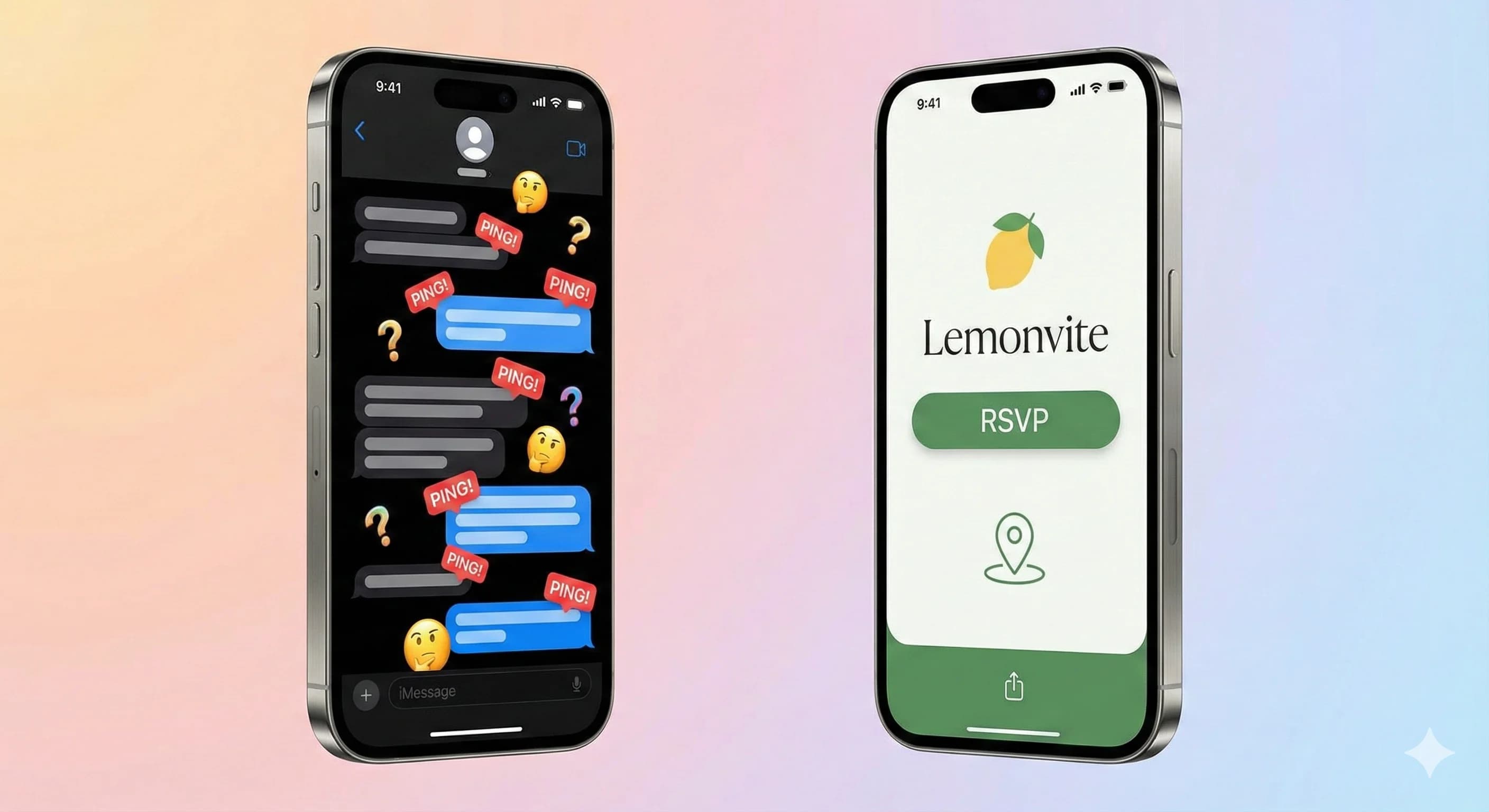
At first it's fine. A few "Can't wait!" messages. Then the questions start. "What time?" "Where is it?" "Can I bring a +1?" "What's the code for the gate?"
Within an hour your phone is vibrating every few seconds, and the details that actually matter are buried under 400 messages, a fresh wave of memes, and a heated debate about parking. So you mute the chat, and of course that's when you miss the one update that mattered.
I've been on both sides of this, as a dad of two who doesn't have time to scroll through 200 messages for an address, and as a host tired of answering the same four questions over and over. There's a better way to run an event, and it isn't a group chat. Plan your event without the chaos.
Why group chats fail at event logistics
Group chats are great for trash talk during football season. They're terrible for logistics. It doesn't matter whether you're on WhatsApp or iMessage, the same three things go wrong every time.
Your details keep scrolling out of reach
Guest A asks for the address. You type it. Ten minutes later Guest B asks for it again because he didn't scroll up. Then Guest C wants to know whether 7 PM is the start time or when dinner is served. So you type it all again.
In a group chat the details never sit still. They float upstream the second the next message lands, so there's nowhere to go to check. I've copy-pasted the same address four separate times in one thread. Never again.
Nobody RSVPs in a way you can count
"I think I can make it!" "I'll swing by later." "Maybe!" 👍 (Thumbs up reaction)
How do you count any of that? Is the thumbs up a yes, or just "noted"? I spent years tallying vague half-answers in my Notes app and praying the number I gave the caterer was right. Spoiler: it usually wasn't. If you've wondered why no one is RSVPing, a thread with no real yes-or-no button is a big part of it.
People mute the noise, then miss the news
Group chats are loud, so people mute them. Once muted, your guest stops seeing notifications from it entirely. Send a critical update through that channel (say, a venue change the night before) and half your guest list won't see it until they're standing outside the wrong building. Ask me how I know.
Give your event one home instead
What a host needs isn't a chat room. It's one place where the details stay put. That's the whole idea behind Lemonvite: a dedicated event page handles the logistics so the chat can go back to being fun.
The details stay pinned in one place
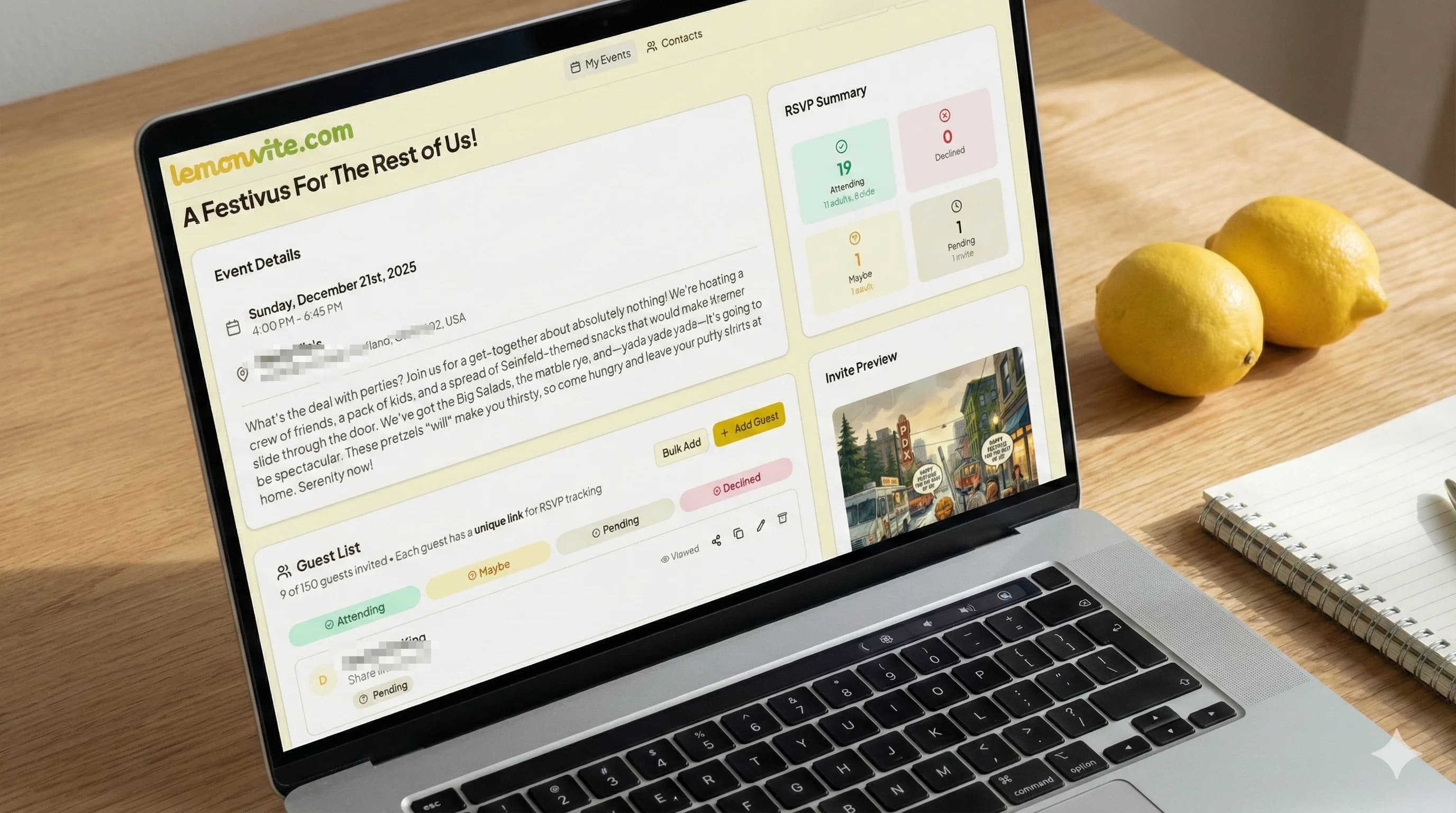
Your event gets a real landing page, with the date, time, and location pinned at the top where nothing can bury them. It connects to Google Maps, so a guest taps once and gets directions. No more copy-pasting the address, and no more "which message had the gate code?"
RSVPs you can actually count
Guests tap Accept or Decline, and the guessing is over. You get a clean dashboard showing who's in, who's out, and who still owes you an answer. It's the headcount clarity a group chat never gave me. (For a smarter approach than nagging, here's how to follow up on an RSVP without being annoying.)
Reminders that don't make you the bad guy
I used to be the host who personally nagged stragglers to reply, which is nobody's favorite job. Now I tap one button and a polite reminder goes out to everyone who hasn't RSVP'd. That saves my social energy for the part that matters: hosting the party once it starts.
Questions get answered once and stay answered
Every event also gets a wall, which is the piece I'd been missing. It's a running feed on your event page, and your guests see the same feed on their own invitation. Someone asks about parking. You answer once, and that answer sits there for the next four people who were about to ask you the same thing.
The best part is how quiet it is. When a guest posts, nobody's phone buzzes, so the wall never becomes the channel everyone mutes. You get to choose which messages are worth interrupting people for. Flip on "Email / text" before you post, and that one goes out over SMS and email to whichever guests you pick while the rest of the conversation stays on the page. That's the control a group chat has never given anyone.
You also decide how chatty it gets. Two switches let guests start their own posts or only reply underneath yours, so if your crowd has a history of derailing, you can run the wall as announcements with comments and leave it at that.
Keep the chat, just not for logistics
I'm not telling you to delete the group chat. Make one for the banter and the cursed memes, because that's what it's good at. Just stop using it as your filing system for anything a guest needs to know.
Drop the Lemonvite link in the chat description and the first message. Then when someone asks "what time?" for the third time, you don't type out the answer. You reply "check the link." Your thumbs and your patience will both thank you. It's the same logic behind why screenshots make the worst invites: a static thing buried in a feed can't keep itself current, but a real event page can.
When you're ready to stop herding a thread and start hosting, build your first event on Lemonvite and post the link instead.