
How to Deal With Plus-Ones (Without Losing Control of Your Guest List)

I once threw a dinner party for 14 people. I had exactly 14 place settings, 14 portions of braised short ribs, and 14 seats. What showed up was 14 guests and 6 strangers.
One friend brought a roommate. Another brought a date she'd met that week. A third brought two people because "they were in the neighborhood." My carefully planned evening became a scramble for extra chairs and a very aggressive stretch of the pasta course, and I ate standing up at the counter.
That was the night I learned that plus one etiquette is something you have to decide on, out loud, before anyone hits reply. Leave the rules unstated and your guests will happily invent their own.
Why Plus-Ones Spiral Out of Control
The root cause is almost always ambiguity. When your invitation says "You're invited to my birthday party!" and stops there, every guest is left to fill in the blanks however they like. One person assumes a partner is welcome. The next assumes a friend is fine. Someone treats "the more the merrier" as official policy and shows up with their entire trivia team.
This usually isn't rudeness. People genuinely don't know where you stand because you never told them, so they default to whatever feels comfortable. If you've ever caught yourself unsure whether to ask a host "can I bring someone?", you already know how easy it is to guess wrong.
So the fix, on paper, is to be explicit. The trick is doing it without sounding like a bouncer working the rope line at a club.
Set Your Plus-One Policy Before You Send a Single Invite
Before you start typing names into a guest list, decide where you stand. You've really got three lanes to choose from.
No plus-ones. This works well for intimate gatherings and dinner parties where you've carefully curated the group. Every person in the room should be someone you chose on purpose.
Plus-ones for some guests. The most common approach by far. Guests in serious relationships get a plus-one. Single friends come solo, or you invite their partner separately by name. It keeps your numbers sane while still respecting committed couples.
Open plus-ones. Everyone can bring someone. Great for big, casual events like backyard barbecues or milestone birthdays where the exact headcount genuinely doesn't matter to you.
None of these is the "right" answer. The only real mistake is skipping the decision and hoping it sorts itself out. (If your list is already ballooning, my guide on what to do when you've invited too many people is the next thing to read.)
How to Communicate It Clearly (Without Being Awkward)
Once you've made the call, build it straight into the invitation. Spell it out instead of trusting people to read between the lines, and don't assume the word "Invited" reads as "just you" to anybody but you.
If plus-ones aren't included, say so warmly. Something like "We're keeping this one intimate, so we've reserved a spot just for you" lands fine with almost everyone. It's kind and it kills the guesswork in one sentence.
If plus-ones are included, name them whenever you can. "Alex and Jordan, you're invited..." beats "Alex + Guest" every time. Seeing a partner's name on the invite feels deliberate, like you actually thought about them, instead of a placeholder slot.
If your real boundary is more binary than plus-ones, no kids at all rather than fewer of them, the same say-it-early-and-warmly approach applies. I've got the actual lines for that in my adults-only invitation wording guide.
The in-between cases are where things get tricky, and where individual invitations become essential. A single group chat cannot quietly give Alex a plus-one while everyone else flies solo. Someone always scrolls up, notices, and feels slighted, which is one of several reasons I think hosts should stop using group chats for anything they actually care about.
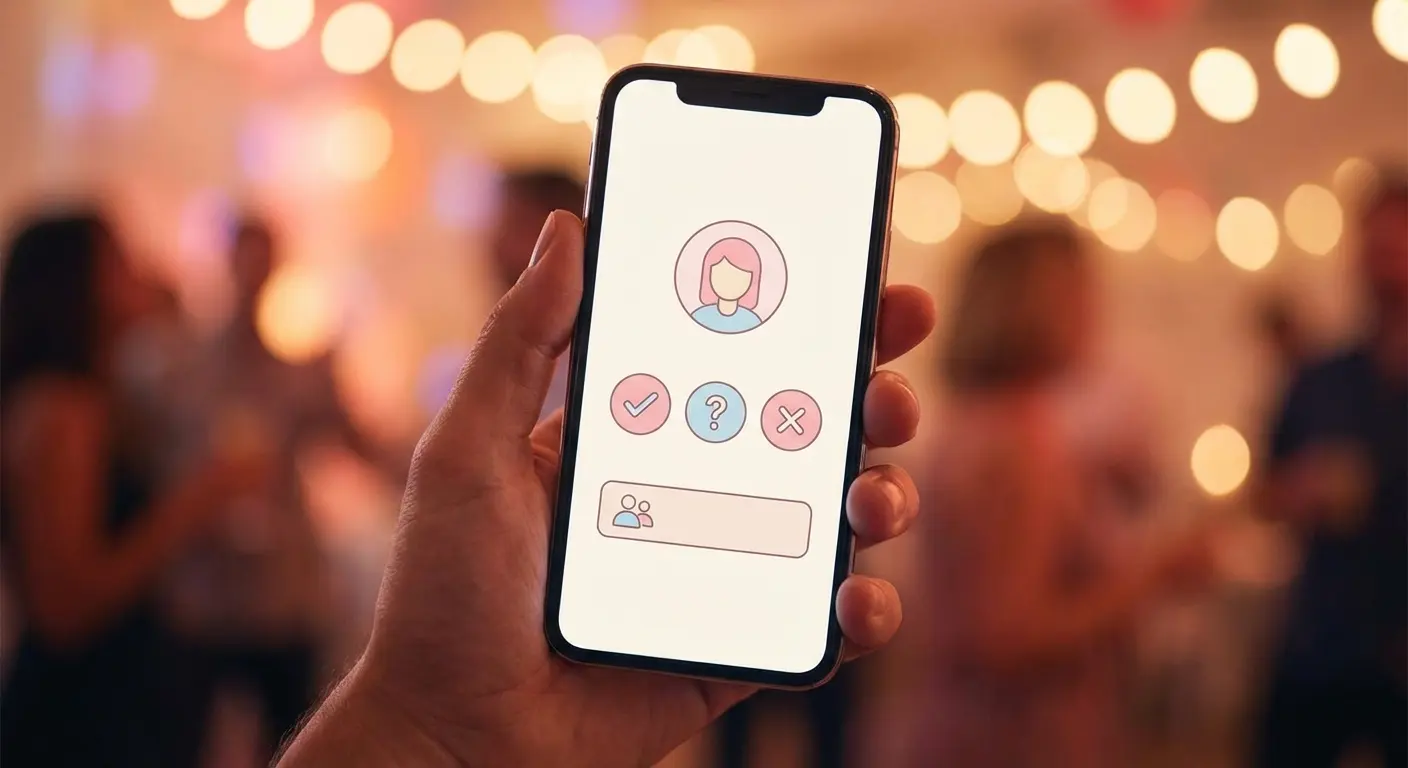
This is where a tool like Lemonvite earns its keep. Every guest gets their own private event page and their own individual invitation, so you control exactly what each person sees. One person gets "You + 1," another gets just their name, and nobody is comparing notes in a shared thread. The difference is invisible, along with the bruised egos you avoided.
Use RSVP Notes to Track Who Is Actually Coming
A mistake I see constantly: hosts allow plus-ones but never ask who the plus-one is. Then event day arrives with six "Guest of [Name]" entries on the list and zero idea who's walking through the door.
This matters more than hosts tend to think. A seating arrangement needs names. Personalized favors or place cards need names. And the moment someone has a food allergy, you really, really need names.
Lemonvite's RSVP notes field handles this without any chasing on your end. When a guest confirms, they can drop in their plus-one's name and any relevant details right there in the flow, while they're already thinking about it, rather than weeks later when you're texting "wait, who are you bringing again?"
Your RSVP dashboard then shows you the full picture: every confirmed guest, plus-ones listed by their actual names, and a headcount that updates the second someone responds. No side spreadsheet required.
What to Do When Someone Brings an Uninvited Plus-One
Even with the clearest invitation in the world, it'll still happen eventually. Someone arrives with an extra person you weren't expecting.
Whatever you do, don't make a scene. Turning a guest away at the door creates a memory that long outlasts the party itself, and it's never worth it. Be gracious in the moment, then be direct later. Welcome the surprise guest, pull another chair over, and message your friend privately the next day: "Had a great time! Quick heads up for next time, space was really tight, so it helps me a lot to know in advance if you want to bring someone."
When the same person does this repeatedly, you've moved from an invitation problem into a boundary conversation, and that's a different, more honest chat to have. For genuine one-offs, though, grace gets you further than gatekeeping ever will. (The opposite case, when you need to walk back an invite, is its own minefield, which is why I wrote a whole guide on how to uninvite someone.)
The best prevention is an invitation that does the heavy lifting up front. When someone gets a personal, well-designed invite addressed specifically to them, with a clear RSVP button, the expectation is set before the thought of a plus-one ever crosses their mind. It's a lot harder to casually tack on a guest when the invite says, in the singular, "We've saved a seat for you."
The Headcount Problem (And How to Actually Solve It)
Here's the part hosts underestimate. The real reason plus-ones cause so much stress is logistical before it's ever social. Every surprise guest is more food, another seat, another square foot of space. Whether you're feeding people from a caterer or from your own kitchen, those numbers are the whole ballgame.
That's why real-time RSVP tracking is non-negotiable for any event where plus-ones are in play. You want to watch your actual headcount evolve as people respond, instead of trusting a fuzzy number you ran in your head three days ago.
With Lemonvite, your headcount updates the moment someone RSVPs. If you allowed plus-ones for certain guests, you can see at a glance who confirmed with a guest and who confirmed alone. The era of wondering whether "Alex said he's bringing someone" ever became a real RSVP is over.
And when your numbers start creeping past plan, broadcast messaging lets you send one quick update to everyone who's confirmed. Maybe you're shifting the party out to the backyard for the extra bodies, or asking people to bring a dish to share. You say it once, to exactly the right people, and it goes out as an individual SMS that actually gets opened. And if your guest list reaches past the US and Canada, those folks get the very same message delivered over WhatsApp, so nobody abroad misses the update.
A Simple Plus-One Framework
If you're still not sure how to handle plus-ones for your next event, here's the rough framework I use now.
Under 15 guests: No plus-ones unless invited by name. The group is curated and every person on it is there for a reason.
15 to 30 guests: Plus-ones for guests in committed relationships. Use individual invitations so you can give one to some people and not others without anyone clocking the difference.
30+ guests: Open plus-ones are fine. At this scale a few extra people won't break anything, as long as your RSVP system still captures names so you know who's actually showing up.
Whichever lane you pick, put it in writing on the invite, and give your guests a clean way to RSVP with their plus-one's name attached.
Take Control of Your Guest List
The best plus one policy is the one your guests never have to guess about. State it up front. Send individual invitations rather than firing one message at the whole group and hoping. Capture real names at RSVP so your list stops being a wall of question marks.
Lemonvite makes all of that the path of least resistance: a private event page per guest, RSVP tracking with a notes field built for plus-one details, and broadcast messaging for when plans shift. It runs $5 per event. Events with larger phone guest lists may need additional credits to cover texting costs.
Your next party deserves a guest list you actually control instead of one your guests assemble for you. Build it on Lemonvite and let the invitation set the rules so you don't have to at the door.