
Why I Stopped Texting Images: The Case for the 'Living' Invitation
You know the Group Chat Flyer when you see it.
It is usually a screenshot. Maybe it was designed in Canva, maybe it is just a photo of a paper card sitting on a table. It looks nice. It has a cute font.
But as a guest, I secretly hate it.
A static image is a dead end. It forces me to do work, and as a host, sending one is a gamble I am no longer willing to take. Here is why I stopped texting JPEGs and switched to a living, web-based invitation.
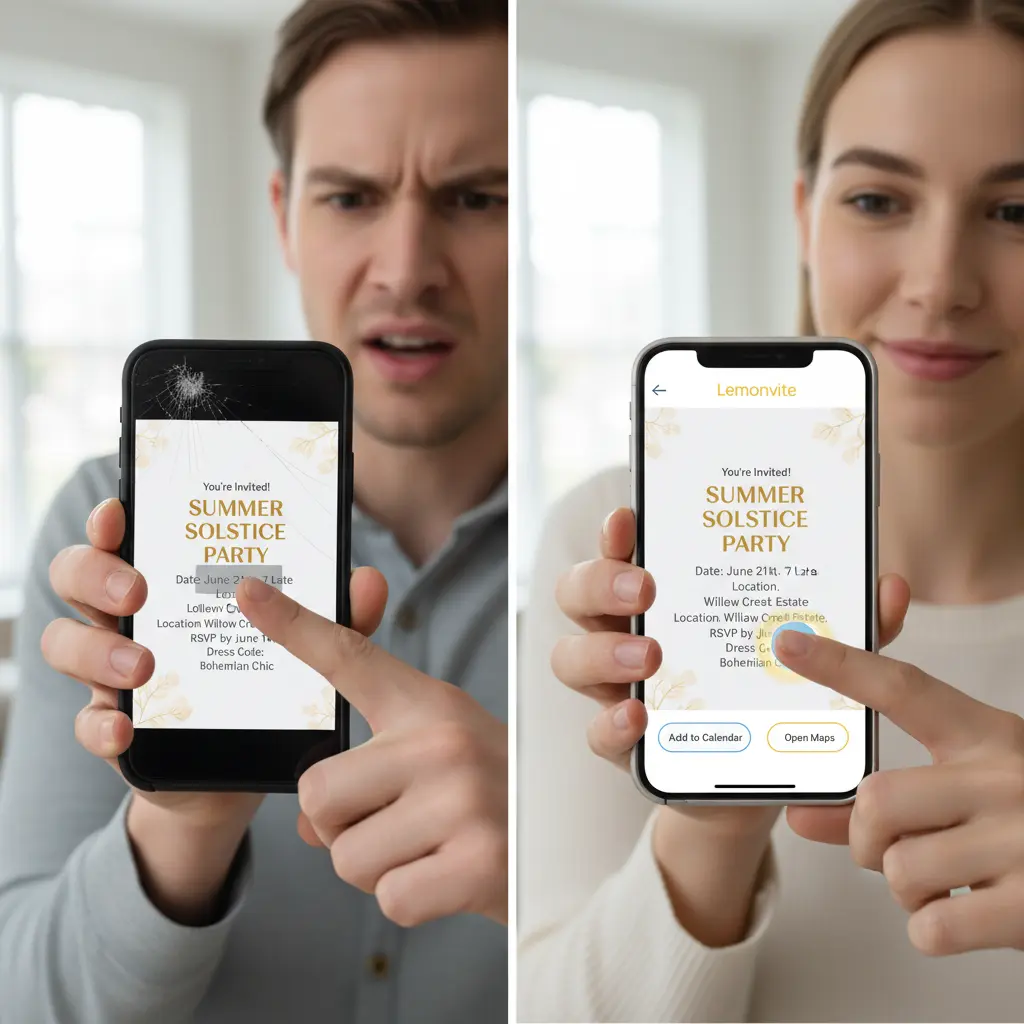
A static invite freezes the second you hit send
The biggest problem with a static image is that once it leaves your phone, it is locked. You cannot touch it again.
Last year I hosted a housewarming. I designed a beautiful digital flyer and texted it to 30 friends. Two hours before the party, I realized I had left out the gate code for my apartment complex.
So I had two bad options: hope people texted me when they arrived and spend my own party staring at my phone, or blast a mass CORRECTION text that nobody reliably reads. I sent the correction text. Half the guests never saw it, and the buzzers kept ringing all night.
A web-based invitation gets around this entirely, because the invitation is a webpage instead of a file. If I forget a detail, I log into my dashboard and update it. The link stays the same, and when my guests open it they see the new info right away. I can add a gate code or push the start time right up until the event begins.
Stop making your guests type your address by hand
Think about what a JPEG actually asks of the person receiving it.
I see the address on the flyer: 123 Maple Street, Apt 4B. I can't tap it. I have to switch apps, open Maps, hold the address in my head, and type it in by hand. One typo and I'm headed to the wrong town.
That is friction, and friction makes people late.
A Lemonvite invite comes with interactive buttons instead. The address lives as real data on the page, so we turn it into a link. Your guest taps Open in Maps and their navigation app launches with the destination already loaded. They are on their way in a second.
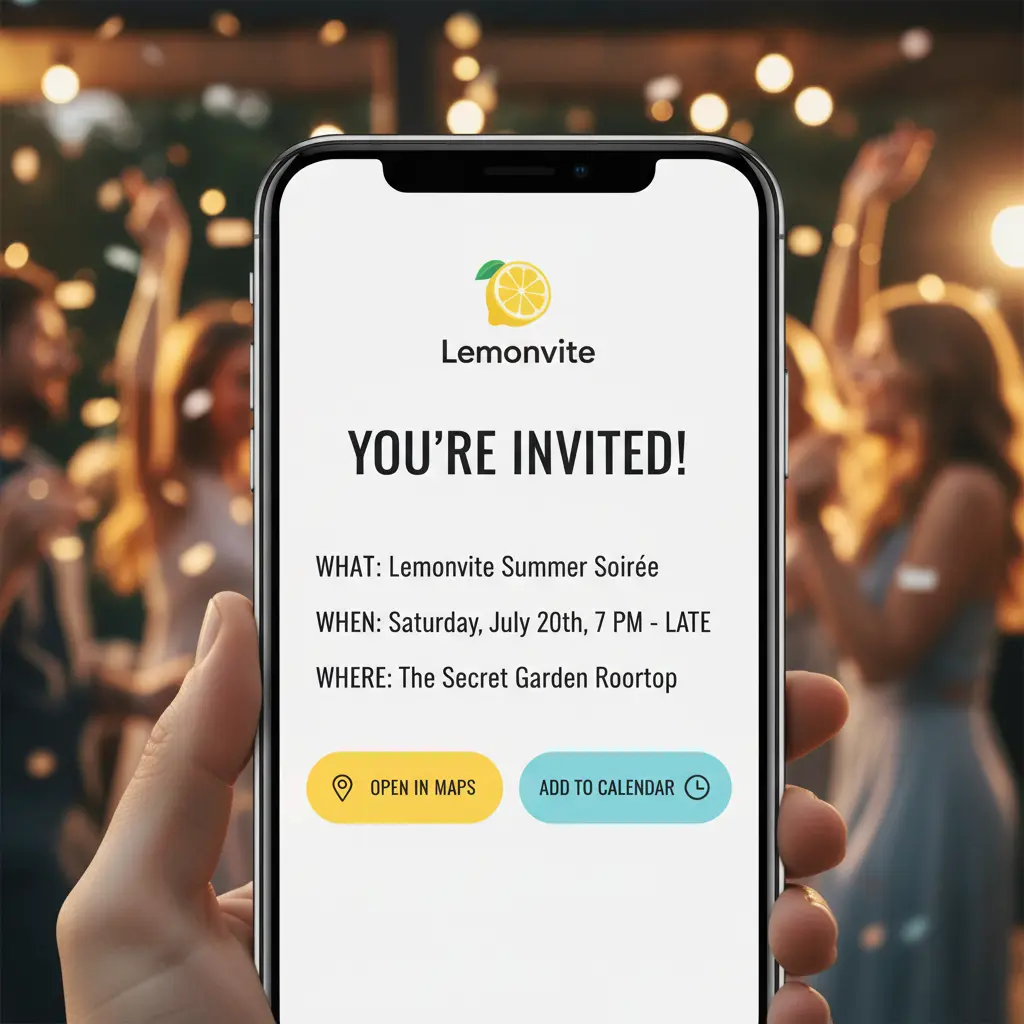
The date deserves the same treatment
A static image makes your guest open their calendar app and create the event themselves. Most people, me included, are too lazy for that. We tell ourselves we'll remember the date, and then we double-book.
Lemonvite hands them an Add to Calendar button. One tap saves the event to their Google or Apple calendar with the time, the place, and every other detail already filled in. That one feature cuts down hard on the "wait, is the party this Saturday or next?" texts you'd otherwise field all week.
Images get buried; a link can be brought back to the top
Send a flyer into a group chat and it gets shoved up the screen by 50 messages of banter and GIFs within the hour. On the day of the party, your guests are scrolling frantically to find the picture.
A link behaves differently. It's the anchor everyone comes back to. You can pin it or resend it, and Lemonvite's SMS invitations let you fire off a fresh reminder the morning of the event that drops the link right back at the top of their phone.
The next step after paper, PDFs, and screenshots
We used to mail paper, then we emailed PDFs, then we started texting images. Each one was obsolete the day the next one arrived.
The living invitation is what comes after the screenshot: an event page you can edit after you send it, that does the tapping and counting for your guests instead of leaving the work to them. It's the same reason screenshots make the worst invites and frictionless invites win.
So don't hand people a dead picture. Give them something that actually helps them get to the party. When you're ready, build your invitation on Lemonvite in a couple of minutes.