
Why I Stopped Sending Screenshots of Invites
I have a confession to make. I used to be a Screenshot Sender.
You know the routine. You find a cute template online, edit the text, and take a screenshot of it on your phone. You crop out the battery percentage and text the image to your group chat.
It feels efficient and it looks nice, but as an invitation it is broken.
Sending a screenshot is like handing someone a business card frozen inside a block of ice. It looks great, but nobody can actually use it.
Here is why I quit, and why your friends will quietly thank you when you do too.
A screenshot turns your address into dead pixels
The biggest problem with a screenshot is that it kills the data.
When you type a text that says "123 Party Lane, 7pm," your phone recognizes the address and underlines it. Tap it and Google Maps opens. But send a picture of those same words and it is just pixels. There is nothing to tap.
I learned this at a friend's housewarming last month. I pulled up the screenshot she sent and tried to tap the address. Nothing happened. So I memorized the street name, switched to Maps, and typed it in by hand.
It sounds petty. But when you are driving and already running late, that little bit of friction is the last thing you need.
Texting back to RSVP becomes a counting nightmare
"Text me to RSVP!"
We have all typed that. And we have all regretted it.
When you ask 30 people to text you back, you are signing up for a notification explosion:
- "I'm coming!"
- "Can I bring my boyfriend?"
- "What time again?"
- "Sorry, can't make it."
You end up scrolling weeks of messages, keeping a mental tally of who is actually showing up. You will miss someone, and then you'll buy too much food. Or not enough. A real invitation platform does the counting for you. You send the link, they tap Yes, and your dashboard says 15 confirmed. Done. It's a big part of why no one is RSVPing: there's no real button to press.
You can't fix a typo in a screenshot you already sent
This is the one that finally broke me.
I was hosting a dinner. I sent out the screenshot. The next day I realized I had written "Saturday" in the text but put Sunday's date underneath it.
Panic.
You cannot edit a screenshot once it is out the door. So I made a new one with big red CORRECTION text across the top and re-sent it to everyone. Now my friends had two conflicting images in their chat history. Half of them showed up Saturday, the other half Sunday. A genuine disaster.
A Lemonvite link looks as good as a screenshot, and it works
The whole reason we send screenshots is that we want the invite to look good. Nobody wants to drop a boring blue URL into a group chat.
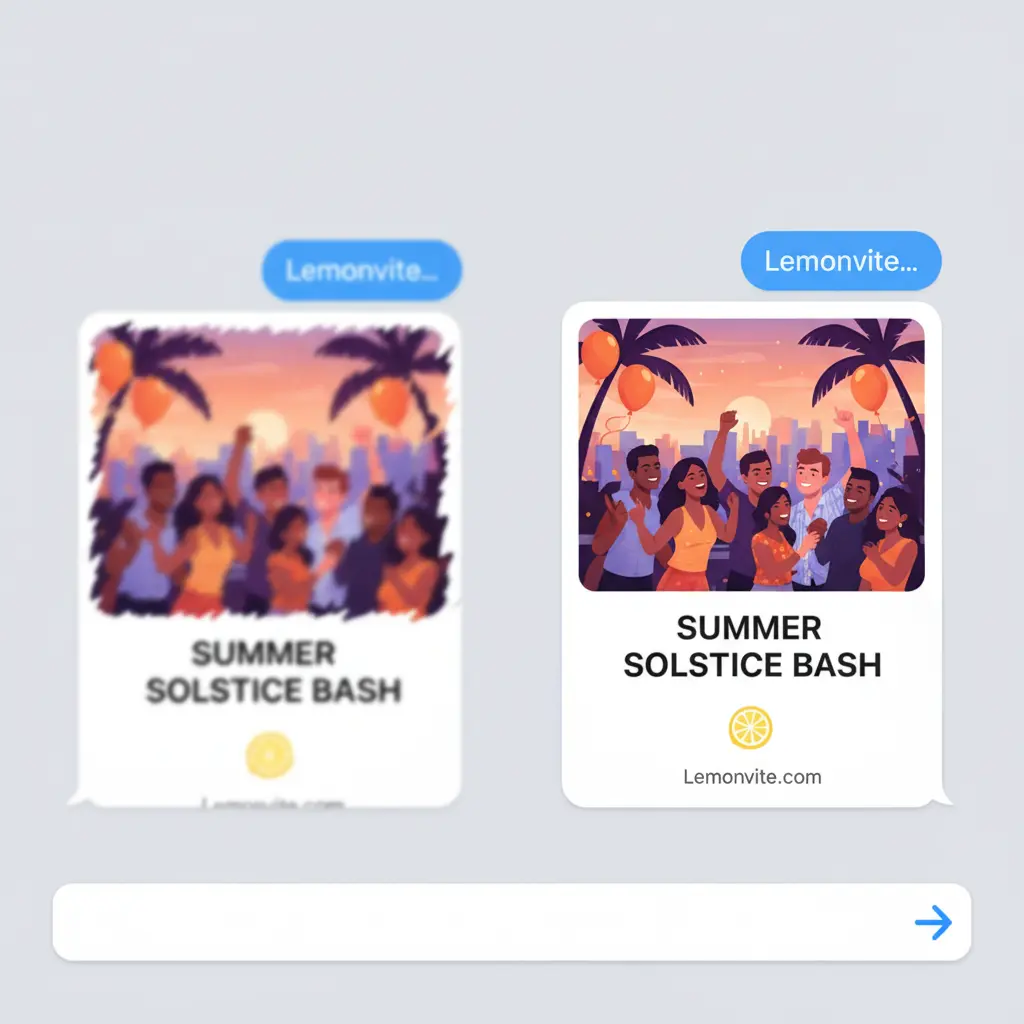
Good news: with Lemonvite you get the visual without the friction. Paste a Lemonvite link into a text and it doesn't show a bare URL. It expands into a rich preview with your custom artwork, the event title, and the date, so it looks every bit as polished as a screenshot.
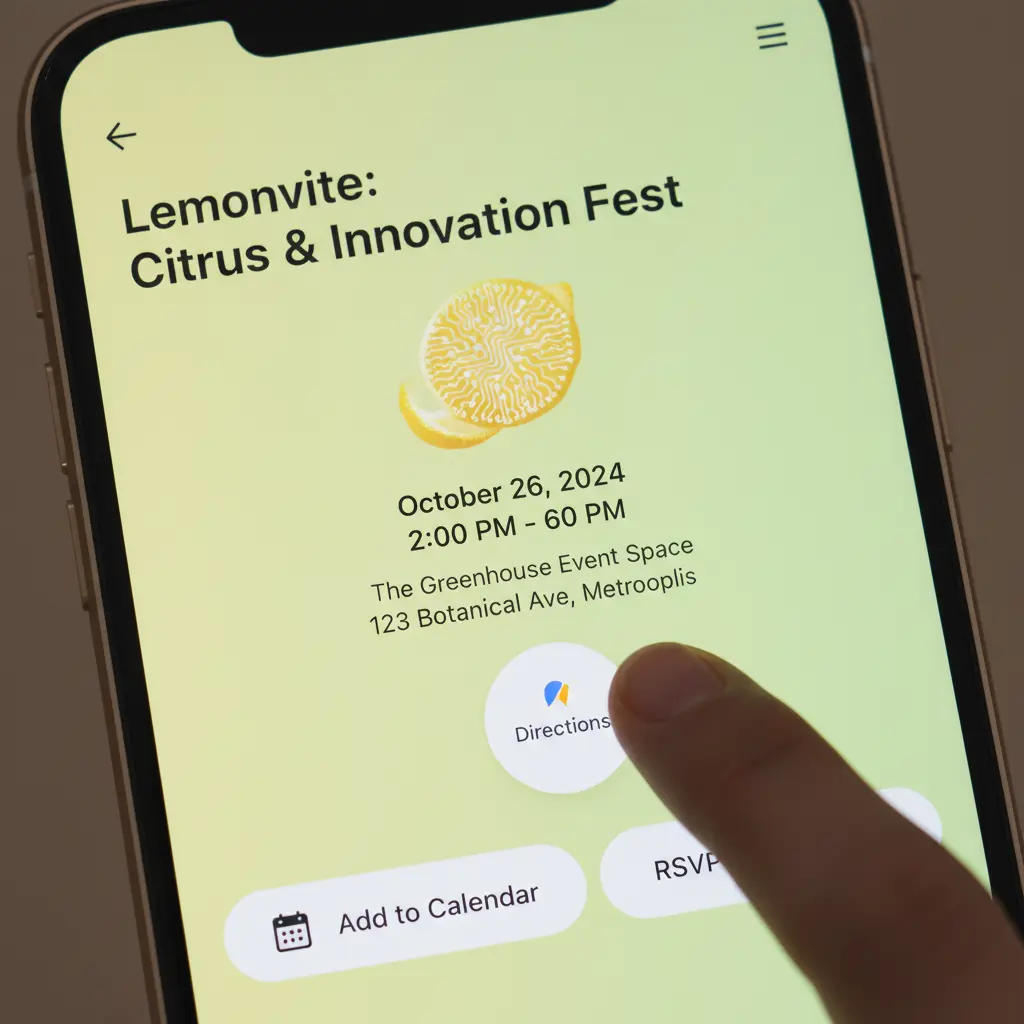
The difference is what happens when your friend taps it. The map opens to the right spot. Add to Calendar drops the event straight into their calendar. They can RSVP in a second.
And if you need to change the time, you just update the event. The link stays the same, and the info is always current. That's the whole point of why static invites fail: a frozen picture can't keep up, but a real event page can.
Be kind to your guests
Hosting is about hospitality, and hospitality starts with the invitation.
Making your friends type an address into Maps by hand isn't hospitable. Neither is making them dig through a group chat for a screenshot you sent three weeks ago. Give them something that opens the map, saves the date, and takes their RSVP for them.
Stop sending screenshots. Build a living invitation instead and let the link do the work.