
Stop Planning Parties Alone: How Co-Hosting Makes Every Event Better
I threw a 40-person birthday party last year, and I planned every bit of it alone. The venue, the food, the guest list, the follow-ups, the "hey did you see the invite?" texts. All me.
By the time guests started arriving, I was already running on fumes. Someone asked me where the cups were and I nearly snapped. The question was easy. The problem was that I'd been answering questions nonstop for three weeks straight, and I was tired.
Sound familiar?
Nobody warns you about this part of hosting: the bigger the party, the lonelier the planning gets. You're making fifty decisions a day while your friends sit back and wait for the invite to land in their inbox.
It doesn't have to work that way.
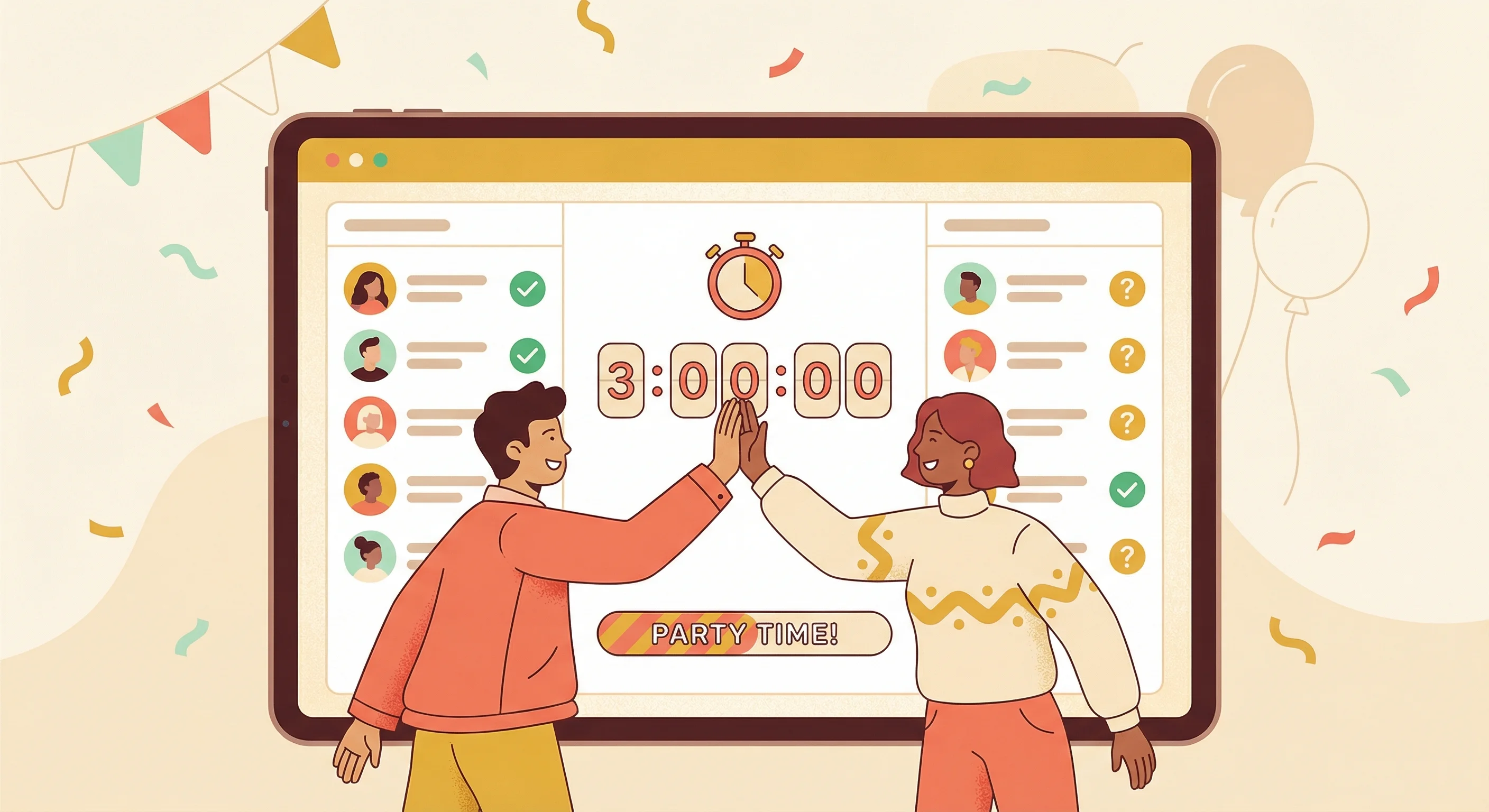
Why solo hosting wears you down
Most event platforms treat hosting like a solo sport. One login. One dashboard. One person doing everything.
That's fine for a casual dinner with six people. But the moment your guest list crosses 20, the logistics pile up faster than you can clear them. You're tracking who's coming, who hasn't replied, and who needs a nudge. You're fielding the same questions on a loop ("What should I bring?" "Is there parking?" "Can my cousin come?"). And on the day itself, you're handling setup, supplies, greeting people at the door, and putting out whatever small fire just started.
You end up becoming a full-time event manager for a party you're supposed to be enjoying.
And here's the frustrating bit: you probably have friends who'd happily pitch in, if only you could hand them the keys.
Introducing Co-Hosts on Lemonvite
We built the Co-Host feature because we've been that overwhelmed host. The fix was obvious once we admitted it: let people share the work.
With Co-Hosts, you invite trusted friends to help manage your event. They get full access to your event dashboard, including the guest list, RSVPs, event details, and updates. Whatever you can do, they can do too.
It's a bit like giving someone the keys to your kitchen. They can stir the pot and check the oven while you handle the rest. You're still the host. You still own the house. But now you have backup.
What your co-hosts can do
Once someone accepts, they can add people to the guest list, remove guests, and manage RSVPs, so you can stop forwarding invite links and asking "can you add these people for me?" They can edit event details too, which means a date change or a venue swap doesn't have to wait on you. Need to blast out a last-minute change? Any co-host can send a broadcast update to the whole guest list, which reaches everyone by text in the US and Canada and over WhatsApp for guests anywhere else in the world. They can even invite more co-hosts, so building a planning team takes about as long as sending a text.
Co-hosts also post on the event wall and moderate it, which is what finally killed the repeat-question loop for me. Whoever gets to "is there parking?" first answers it once, on the wall, where the next six people read the answer instead of texting me at 9pm.
What stays only with you
You're still the primary host, and a few controls stay firmly in your hands. Only you decide when the event goes live. Nobody can delete the event except you. And the email alerts for new RSVPs go to you, the organizer. So your team runs the day-to-day while you keep your hands on the wheel.
How it works (30 seconds, seriously)
Adding a co-host is dead simple. No accounts to create. No complicated permissions to configure.

Step 1: Generate a link
Open your event on Lemonvite. In the sidebar you'll see an Event Hosts section. Click Generate Invite Link and you've got a shareable link.
Step 2: Share it
Send that link to whoever you want as a co-host. Text it, email it, drop it in a DM, however you normally share things with your friends.
Step 3: They accept
Your friend clicks the link, logs into Lemonvite (or creates a free account), and taps Accept. They're instantly a co-host with full access to the event dashboard.
The whole thing takes less time than ordering a coffee.
When co-hosting shines
You might be thinking, "Do I really need this?" Here are a few scenarios where it turns chaos into calm.
The wedding
Weddings are the ultimate team sport. Both partners need access. The maid of honor is managing the bachelorette list. The best man is coordinating the rehearsal dinner. With co-hosts, everyone gets their own access to run their piece of the puzzle.
The surprise party
Say you're planning a surprise for your best friend. You need their partner to help with timing, their roommate to handle the guest list, and their sibling on decorations. Co-hosting lets all of them contribute without a single group chat.
The block party
Community events have multiple organizers by nature. With co-hosts, each neighbor on the planning committee can add their own guests, update the details, and send reminders, all without sharing a login.
The company event
Work events usually have a coordinator and an executive sponsor. Co-hosting lets both manage the event without trading credentials or forwarding emails back and forth.
Why this beats the workarounds
"Can't I just share my password?"
You could. But then your friend has access to all your events, plus your account settings and your payment info. Co-hosting gives access to one event and nothing else.
"Can't I just forward people the invite link?"
The invite link is built for guests, not managers. Forwarding it lets people RSVP, but they can't see the dashboard, touch the guest list, or send updates.
"Can't we just use a shared Google Sheet?"
Sure. You can also drive a nail with a shoe. It technically works, but a spreadsheet won't send RSVP reminders, won't let guests respond with one tap, and won't give you a real-time headcount. If you've ever wondered why no one is RSVPing, a spreadsheet is a big part of the answer.

The best events are team efforts
The parties people remember are the ones where the host is relaxed and actually present. That's hard to pull off when you're juggling a guest list, answering texts, and trying to figure out why the playlist died mid-song.
Co-hosting isn't about giving up control. It's about multiplying your capacity, and about walking into your own party and getting to be a guest for once. It pairs nicely with the Broadcast feature when plans change at the last minute and someone needs to reach everyone fast, and with the event wall the rest of the time, where any of your co-hosts can field questions without setting off a single notification.
So next time you're staring at a guest list of 30-plus people and feeling that familiar knot of stress, don't white-knuckle it alone. Tap a friend. Send them a link. Plan it together.
Create your event and add a co-host on Lemonvite the next time you'd rather host than manage.