
The Secret to a Perfect Potluck (No Spreadsheet Required)
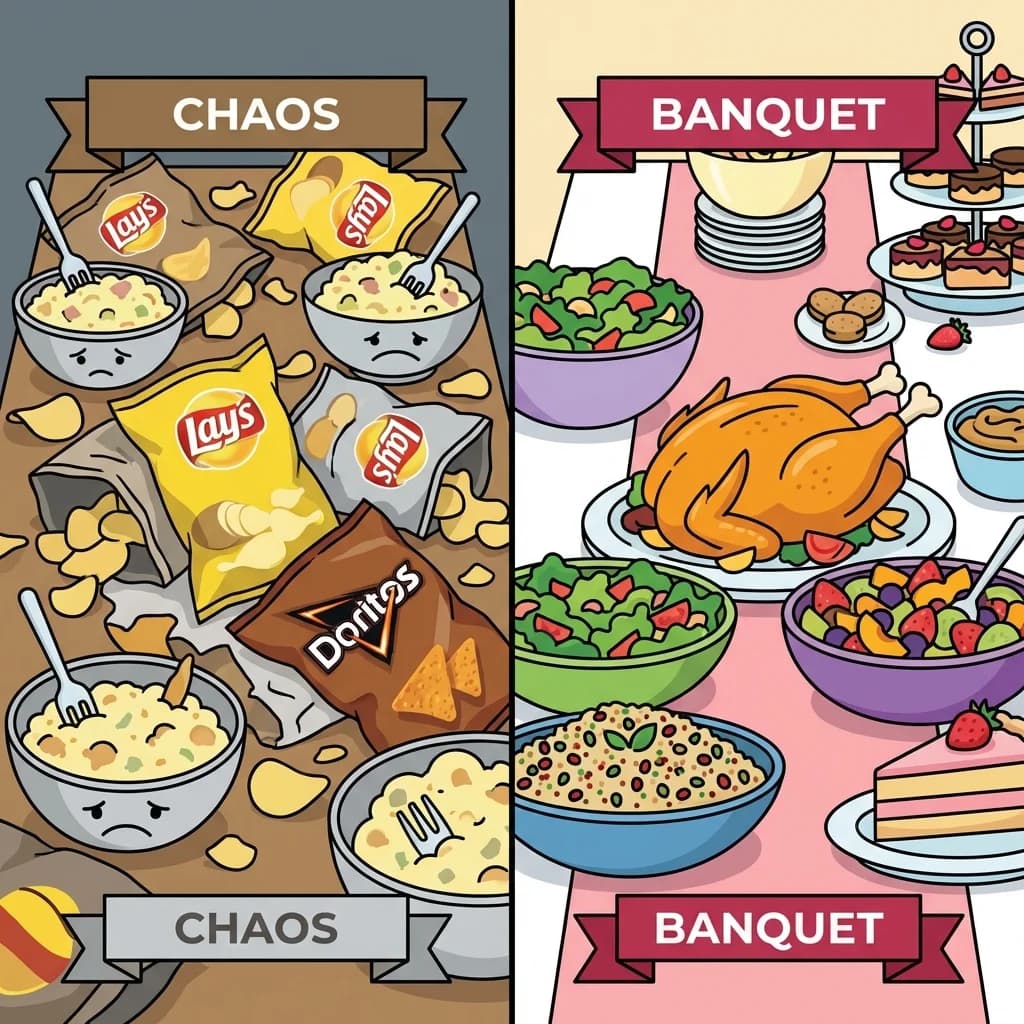
I have been to a potluck where the entire spread was carbs. Five bowls of potato salad, three bags of tortilla chips, and not a single main dish. We ate sides for dinner and pretended it was a choice.
That is what happens when you tell everyone to "bring whatever." Whatever turns out to be the easiest thing in their pantry, and the easiest thing is almost always a bag of chips. If you actually want a good potluck, you have to give people a little direction without turning yourself into a project manager.
Most hosts try to fix this with a spreadsheet. You make a Google Sheet, email the link around, and hope people fill it out. They don't. The other classic move is starting a group chat, which somehow generates 47 messages about who is bringing wine while the question of who is bringing actual food stays completely unanswered.
I love hosting potlucks. I hate the logistics of them. So I worked out a way to run the whole thing through Lemonvite, where the RSVP does the coordinating for me. No separate sheet, no group chat spiral.
Put the Assignment Right in the Invitation
When you design your invite on Lemonvite (I usually ask the design engine for something like "cozy winter dinner party with sharing platters"), the description field is where you set the ground rules.
Don't just write "Potluck." Tell people what you've got covered and what you need from them. Mine usually reads something like:
"Can't wait to see you all! We're doing a potluck. I'll handle the main roast. Please tell me what side or drink you're bringing in the RSVP note."
The reason this works is timing. You aren't asking anyone to open a second app or hunt down a spreadsheet link three days later. You're asking them to claim a dish in the same breath as saying yes. The request lands while they're already engaged, which is the only moment most people will actually act on it.
Let the RSVP Note Build Your Menu
Most guests want to help. What they don't want is homework.
When a guest opens your Lemonvite link on their phone and taps "Yes," the next thing they see is the "Add a note" field, sitting right there. Because you prompted them in the description, they type "I'll bring the mac and cheese!" or "Bringing a green salad" and they're done.
There's no account to create and nothing to download. They RSVP and claim their dish in one motion. That frictionlessness is the whole game, and it's the same reason SMS invitations actually get answered when emailed ones rot in a spam folder. The easier you make the ask, the more people follow through.
Watch the Menu Take Shape on Your Dashboard
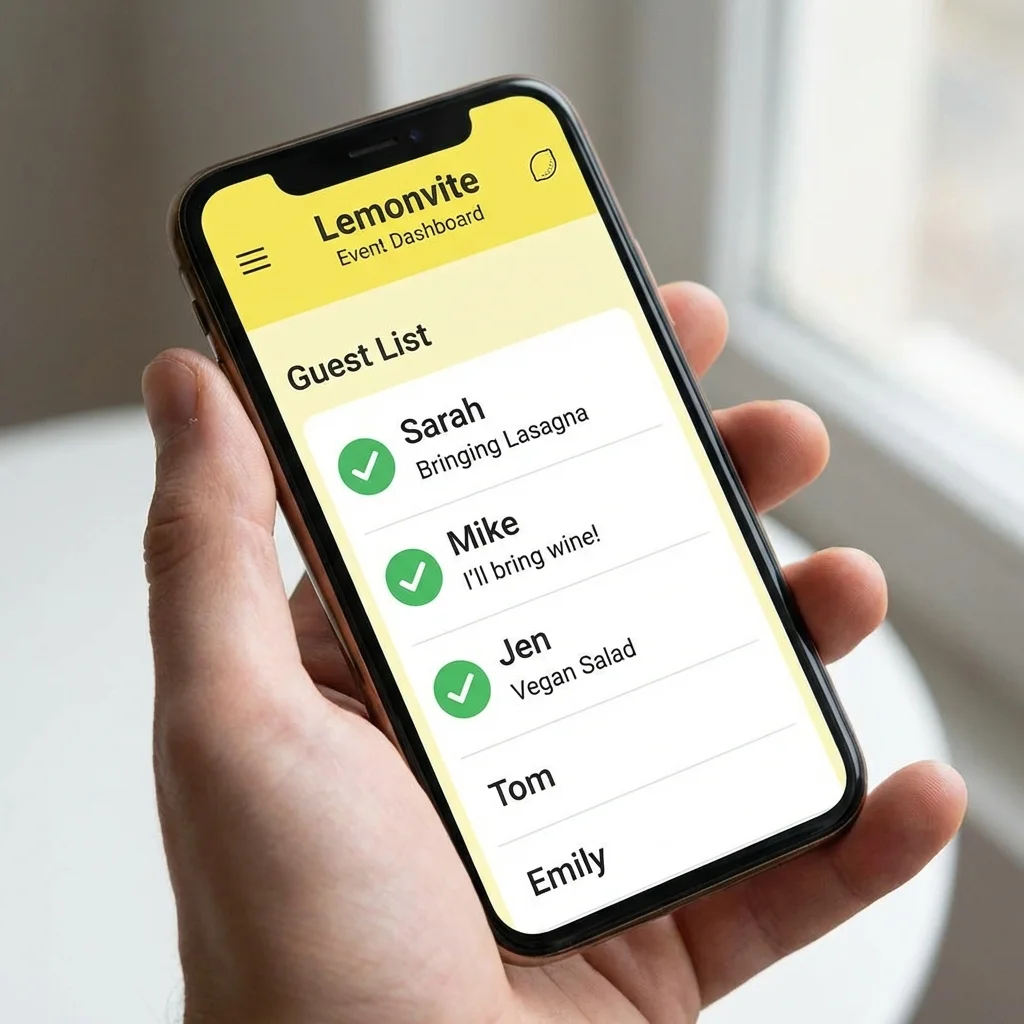
This is the part where the work quietly does itself. Open your Lemonvite dashboard and, as the RSVPs come in, you don't just see a guest list. You see the menu assembling in real time, each name attached to whatever that person committed to bring.
- Sarah is attending with two adults and bringing a big lasagna.
- Mike is attending solo and has the wine handled.
- Jen is bringing a vegan salad for her and a plus-one.
At a glance you can tell whether you're drowning in carbs or short on anything green. And because it all lives in one list, you're never cross-referencing a text thread against your calendar trying to remember who said what. The previous year I tried to track this in my head and ended up with three desserts and no bread, which is its own kind of tragedy.
Let the Wall Carry the Back-and-Forth
An RSVP note only goes one direction. Your guest tells you what they are bringing and that is the end of the exchange. But a potluck always generates a second conversation on top of it. Should I still make the trifle if Sarah has already claimed dessert? Does anybody have a slow cooker I can borrow, because mine died in November?
That conversation now has somewhere to live. Every published Lemonvite event comes with a wall, and your guests see it on their own invitation, just under the details. Someone posts "I have dessert handled, so if you were leaning sweet, bread would be a hero move," and everyone reads it without you having to play switchboard between eleven separate text threads.
Two things about it are worth knowing before your first potluck. A guest posting on the wall does not fire off a text to the whole list, so nobody mutes it and the thread stays genuinely useful right up to the day. And you set the volume yourself, with a pair of switches that decide whether guests can start their own posts or only reply underneath yours. Turn posting off and the wall becomes a notice board where you are the only author.
Send a Targeted Nudge When You Spot a Gap
Two days before the party, you check the dashboard and the picture is clear. Plenty of salads, a couple of pasta dishes, more wine than anyone needs. And no dessert.
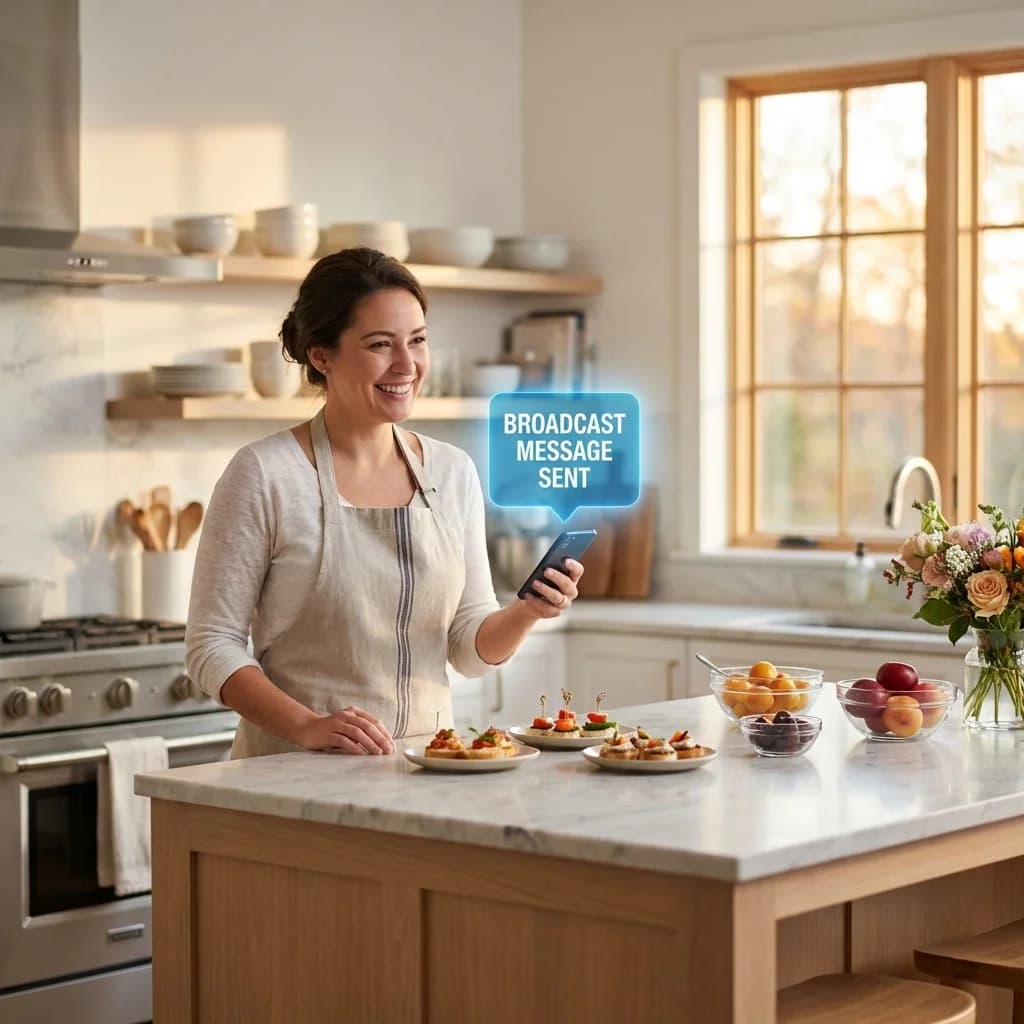
The old fix was a mass text to everyone, which annoys the person who already signed up for lasagna and now has to read a message that doesn't apply to them. Instead, use the broadcast feature to send an SMS update to just the confirmed guests:
"Hey everyone! Looking forward to Saturday. We're in great shape on savory food but light on dessert, so if you haven't decided yet, something sweet would be amazing."
It arrives as a normal personal text rather than a noisy group blast, and people respond fast because it actually reads like it's from you. Guests outside the US and Canada get the very same nudge delivered over WhatsApp, so a friend who flew in from abroad sees it just as quickly. That same filtered-broadcast trick is what saves a party when plans fall apart at the last minute, too. Reaching the exact right subset of people is the difference between competent hosting and group-chat chaos.
A Few Things That Make It Even Smoother
A couple of small habits sharpen this whole system.
Suggest categories instead of specific dishes. "A vegetable side" or "a dessert" gets claimed faster than "please make a roasted Brussels sprouts dish." People want a lane they can fill with whatever they're good at. Let them pick the recipe.
Ask about allergies in the same note. Add a line to your description inviting guests to flag any dietary restrictions when they RSVP. You'll have the full picture before anyone walks in, which beats finding out about a nut allergy while someone's already holding a fork over the brownies.
Keep the chat for fun and the invite for logistics. If your friends love a group chat, fine, keep one for day-of banter and photos. Just make sure the real coordination lives on the invite, where the RSVP notes and the wall keep it organized instead of letting it scroll away into oblivion. This is exactly why I stopped running events out of group chats entirely.
Why This Beats the Spreadsheet
The thing that ruins potlucks isn't bad friends. It's friction. Every extra step you put between a guest and the simple act of claiming a dish is a chance for someone to mean well and then forget. Strip those steps out and people actually communicate, and when they do, the food gets better.
For your next gathering, skip the sheet. Write a clear description and let the RSVP note carry the menu, then check the dashboard once before you panic-buy a backup pie. If you want a starting point, Lemonvite's holiday party invitations work just as well for a casual winter potluck as they do for anything fancier.
Build your potluck invite in a couple of minutes and let the RSVPs do the planning for you.