
How to Plan a Friendsgiving Dinner (Without the Drama)
I have a confession. Last year, I hosted a Friendsgiving that nearly ended a friendship.
Not because of politics at the table or someone's weird boyfriend. Because of logistics. Three people brought mac and cheese. Nobody brought a vegetable. My friend who is severely allergic to tree nuts almost ate a pecan pie that was unmarked on the buffet. And my co-host thought the party started at 6 when I told everyone 5.
It was a mess. A delicious, chaotic, slightly dangerous mess.
This year, I fixed everything. Not by becoming a better cook or a more organized person (I am neither), but by rethinking how I communicated with my guests from the very first invitation. Here is exactly what I did, and how you can steal the playbook for your own Friendsgiving.
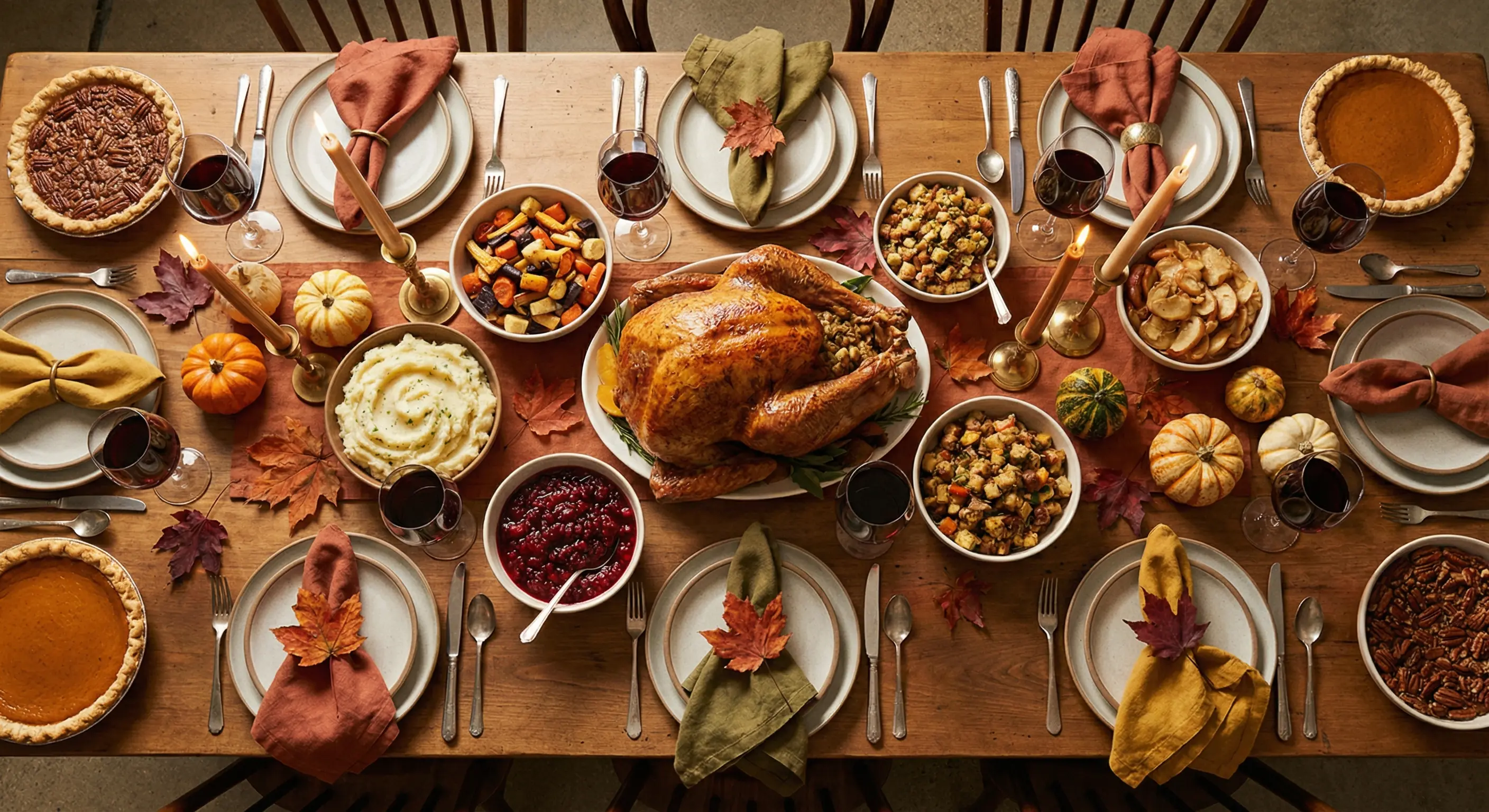
Start With an Invitation That Sets the Tone
A Friendsgiving is not a random hangout. It is a curated dinner party for the people you actually choose to spend the holidays with. The invitation should reflect that.
I used Lemonvite's design engine to describe what I wanted: something that felt like a warm autumn evening, rustic but modern, with a color palette of burnt orange and deep greens. What came back was a one-of-a-kind invitation that looked like I hired a graphic designer. I did not.
The key is that this is not a template. You describe a vision, and the design engine creates something unique for your specific event. My Friendsgiving invite looked nothing like a generic Thanksgiving card, and that mattered. It told my friends: this is special. Show up accordingly.
Use Co-Hosting So You Are Not Doing This Alone
My single biggest piece of advice for Friendsgiving is to not plan it by yourself.
Friendsgiving is a communal effort by definition. But somehow one person always ends up as the unpaid event planner and group therapist for 15 adults who cannot figure out what to bring.
Lemonvite lets you add up to 10 co-hosts to a single event. I added my two closest friends as co-hosts, and suddenly the labor was split three ways. The three of us could all see RSVPs as they landed, send updates, and edit the guest list, working from the same dashboard instead of relaying things to each other.
No more forwarding screenshots. No more "Did Jake reply to you?" texts. Everyone has the same information at the same time.
Assign the Menu With a What-to-Bring List
The three-mac-and-cheese disaster does not happen when you assign the food. When I set up the event, I used the What to Bring section to lay out exactly what the dinner needed. I listed categories with counts next to each one: the turkey (I was handling that), two sides, a salad, bread, dessert, plus a drinks slot and a wildcard slot for whoever wanted to surprise us. Guests could claim items when they RSVPed.
This changed everything. Instead of vague promises in a group chat that nobody scrolls back to read, each guest locked in their contribution right alongside their RSVP. I could see the full menu taking shape in real time. When three people signed up for sides and nobody had claimed dessert, I knew immediately.
There was no spreadsheet to maintain and no 47-message text thread to scroll, just one list everyone could see. If you want to go deeper on dividing the menu fairly, our potluck planning guide covers how to balance the categories so you don't end up dessert-rich and vegetable-poor.
Collect Allergies in the RSVP Notes
This is the feature that might have literally saved my friend's life last year. Okay, her EpiPen would have saved her life. But you get the point.
When guests RSVP on Lemonvite, they can add a note. I put a line in my invitation description that said: "Please mention any dietary restrictions or allergies in your RSVP note so we can keep everyone safe and fed."
The responses came in immediately.
- "Celiac here, I'll bring my own GF rolls but flag anything with flour?"
- "Vegan, happy to bring the salad so there's at least one thing I can eat lol"
- "Tree nut allergy. Serious one. Please label anything with nuts."
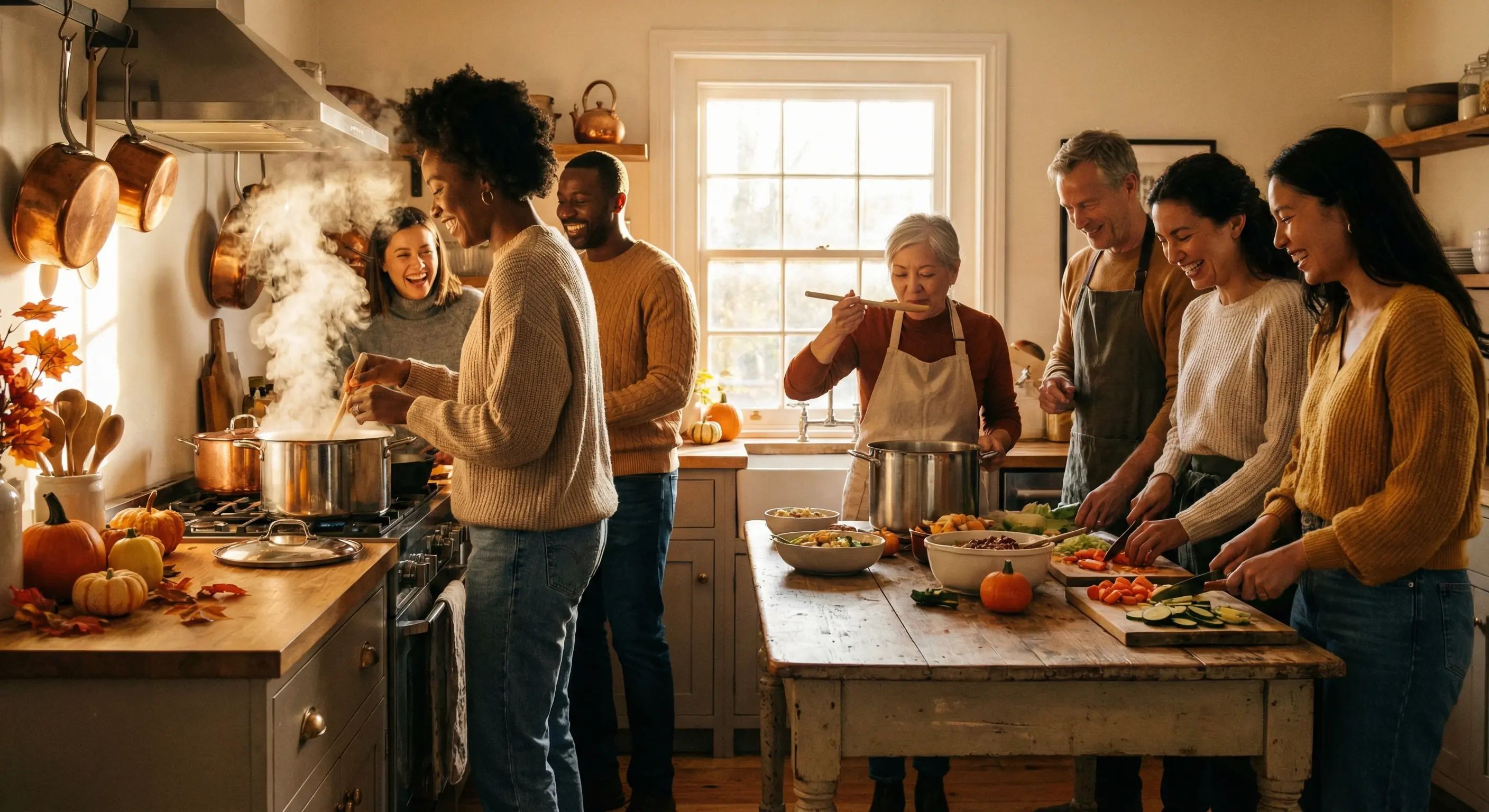
I had this information before anyone stepped foot in my apartment. I labeled every dish on the buffet. I made sure the pecan pie was on a separate table with a clear sign. Zero incidents. Zero anxiety.
Compare that to the previous year, when I found out about the nut allergy while someone was already holding a fork over the pie.
Send Targeted Updates (Not Mass Chaos)
Two days before dinner, I realized we had a problem. The person who claimed the turkey roasting pan had to cancel. I needed someone else to bring one, but I did not want to blast all 18 guests with a panicked message.
Lemonvite's broadcast feature lets you send updates filtered by RSVP status. I sent a quick SMS to just the confirmed "Attending" guests:
"Quick update: we need someone to bring a large roasting pan. Reply to me directly if you've got one!"
Within 20 minutes, two people offered. Problem solved. The 4 people who had declined or not yet responded never saw the message and never had to be bothered. And if your crew is scattered across the globe, the same update reaches everyone: US and Canada numbers get it as a text, while guests anywhere else get it over WhatsApp.
I also used the broadcast the morning of the event to send a simple reminder with parking info and the door code. Again, only to people who were actually coming. Clean, targeted, no noise.
Handle the "Maybe" Crowd Gracefully
Every Friendsgiving has them. The people who want to come but have "family stuff" earlier in the day, or the ones who are flying back from their parents' house and "might land in time."
Lemonvite has a dedicated "Maybe" RSVP option, and it is genuinely useful here. I told my Maybes: "No pressure. RSVP Maybe and I'll save you a seat. If plans change, just update your RSVP anytime."
Guests do not need to create an account. They tap the link and tap Maybe, and that is the whole process. When two of my Maybes flipped to Attending the day before, I saw it on my dashboard and adjusted my table setup.
No awkward "so... are you coming or not?" follow-up texts required.
The Details That Make It Feel Effortless
A few smaller touches that made a real difference:
Add-to-calendar. I included the event time as 4 PM for cooking together, 6 PM for dinner. Guests added it to their phone calendar with one tap. Nobody showed up at the wrong time (unlike last year, when my co-host showed up an hour late because she "thought you said 6").
Group chat link. I linked a separate group chat for day-of coordination, which Lemonvite lets you add right on the event page. The actual planning still lived on the platform, where it stays organized and doesn't scroll away. The chat was just for live updates and someone's dog doing something cute.
Guest list visibility toggle. I turned this on so guests could see who else was coming. This sparked its own mini excitement. People started texting each other: "Oh my god, I haven't seen Sarah in months, she's going?!" It built anticipation before anyone walked through the door.
Plus-ones. I allowed plus-ones but asked people to note who they were bringing. This way I could plan for the right number of place settings without playing a guessing game.
Why This Matters More Than You Think
Friendsgiving is supposed to be the anti-Thanksgiving. No obligation, no airport, no uncle with opinions. Just the people you actually want around a table, eating well and grateful for it.
But chaotic planning brings its own kind of stress. You get frustrated at the friends who won't respond and annoyed at yourself for not being more organized. Underneath both, you start to resent that you are doing all the work alone.
It does not have to be that way. Sending the invite by text means it actually gets opened (SMS open rates sit around 98%, while email mostly rots in spam), so people respond instead of forgetting. The what-to-bring list takes the food coordination off your plate, the co-hosting means you are not the only one watching the dashboard, and the broadcast tool lets you reach the right guests without screaming into a group chat void.
All for $5, which is less than one of those fancy sparkling ciders your friend is definitely going to bring.
Your Friendsgiving Deserves Better
Look, I am not saying technology will fix your friendships. But the right tools remove the friction that makes hosting feel like a second job. Skip the spreadsheet and the "just bring whatever" approach that ends in five mac and cheeses and a near-miss with a pecan pie.
Set it up properly once and the day takes care of itself. When you are ready, you can build your Friendsgiving event on Lemonvite in a couple of minutes.