
Canva Invitations vs Lemonvite: Design Tools vs Invitation Platforms
I love Canva. I genuinely do. I've used it for social media graphics, presentations, and quick flyers more times than I can count. So when people ask me whether they should use Canva to create their event invitations, I understand the instinct. Canva is familiar, it's loaded with gorgeous templates, and it feels like the obvious choice.
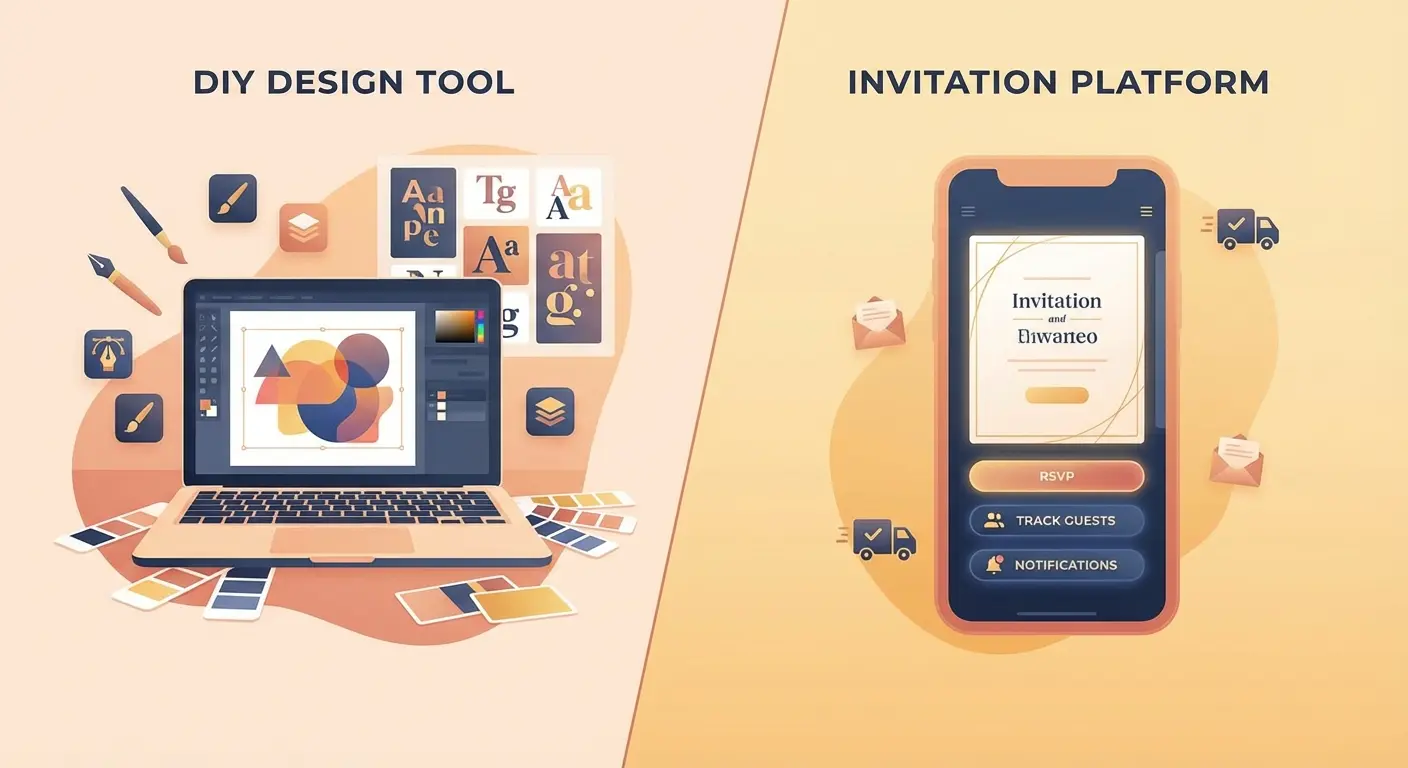
But here's what I learned the hard way: making an invitation look great is only about 10% of the actual work of inviting people to your event. The other 90% is getting that invitation into people's hands, tracking who's coming, and managing the entire guest experience. That's where the comparison between Canva and Lemonvite stops being apples-to-apples and starts being apples-to-oranges.
What Canva Does Really Well
Let me be clear about what Canva excels at. It's one of the best graphic design tools available, and it earns that reputation.
Canva gives you thousands of invitation templates spanning every occasion you can imagine. Birthday parties, weddings, baby showers, corporate events, holiday gatherings. The templates are polished, modern, and easy to customize. You can swap colors, change fonts, upload your own photos, and drag elements around until everything feels just right. No design degree required.
When you're done, you can export your creation as a high-resolution image or PDF. It looks professional. It looks like you hired a designer. And for plenty of use cases, that's exactly what you need.
But then what?
The Gap Between Designing and Inviting
This is the part that caught me off guard the first time I used Canva for event invitations. I spent 45 minutes perfecting this gorgeous birthday party invite. Custom colors, a photo collage, the whole thing. I hit export, admired my work for a moment, and then realized I still had to:
- Manually text or email the image to every single guest
- Keep a separate spreadsheet to track who I'd sent it to
- Ask people individually if they were coming
- Update that spreadsheet every time someone responded
- Send follow-up messages to people who hadn't replied
- Figure out my final headcount by cross-referencing texts, DMs, and emails
The invitation itself was beautiful. The process of actually using it was a mess.
That experience is what made me realize there's a fundamental difference between a design tool and an invitation platform. Canva solves the "make it pretty" problem. But it doesn't touch the "get it to people and manage responses" problem at all. You're on your own for everything after the export button.
What an Invitation Platform Actually Does
Lemonvite was built to handle the full lifecycle of an invitation, not just the design phase.
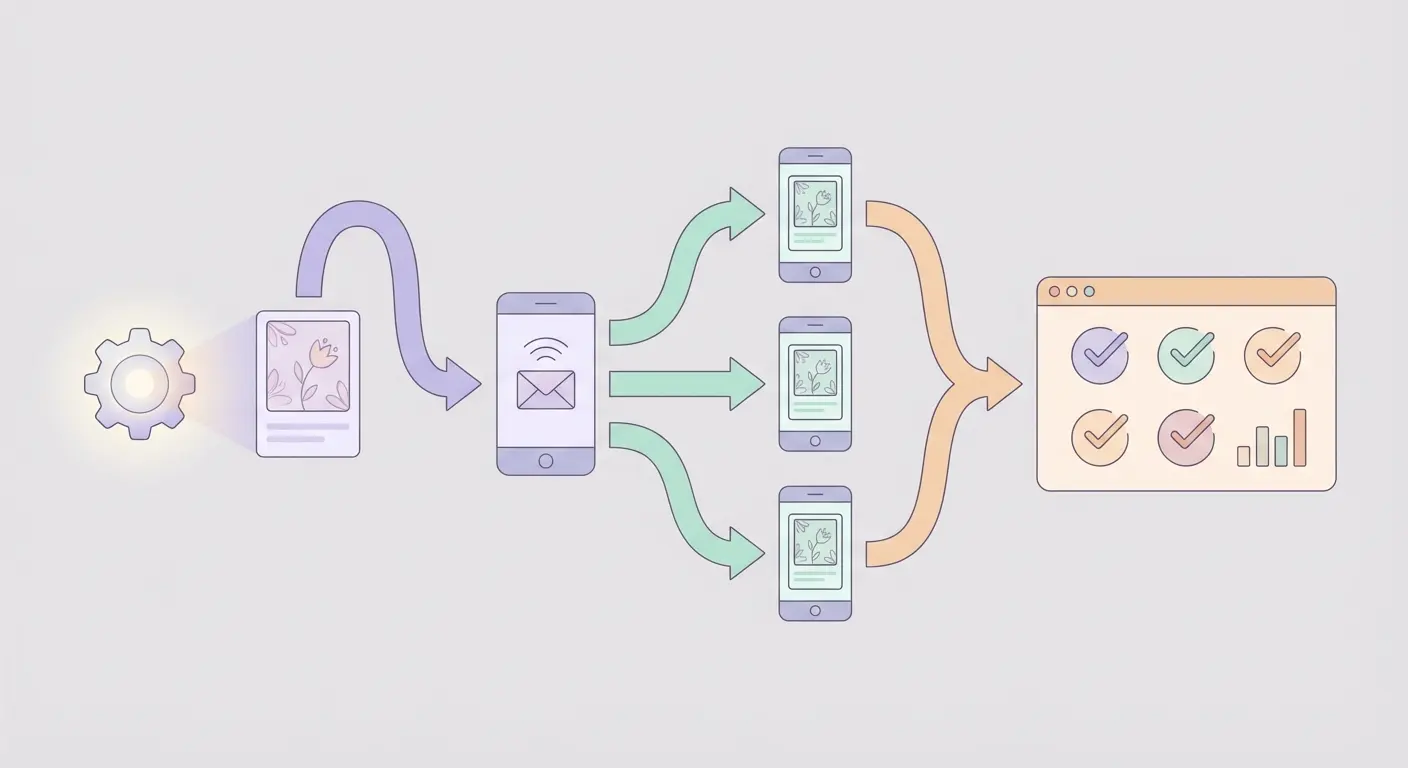
When you create an event on Lemonvite, the design engine generates a custom, personalized invitation for your event. But that's just the starting point. The platform then handles delivery, tracking, responses, and guest communication, all from one place.
Here's what that looks like in practice:
SMS Delivery. Your invitations go out as text messages directly to your guests' phones. No printing, no emailing image attachments, no hoping people check their inbox. Text messages have open rates above 90%, which means your guests actually see the invitation. And if your guest list reaches beyond the US and Canada, that same invitation arrives over WhatsApp for everyone else in the world, so no one gets left off.
RSVP Tracking. Guests tap a link, see your invitation, and respond right there. Yes, no, or maybe. You see every response in real time on your dashboard. No spreadsheets. No chasing people down.
View Tracking. You can see exactly who has opened your invitation and who hasn't. If someone hasn't viewed it after a few days, you know to follow up with them specifically instead of blasting everyone with a reminder.
Broadcast Messaging. Need to send an update to all your guests? Maybe the venue changed, or you want to remind everyone about the dress code. One broadcast message reaches everyone on your guest list instantly.
Co-hosting. Planning the event with someone else? Add them as a co-host so they can see RSVPs, send messages, and help manage the guest list without you having to relay every detail.
A Side-by-Side Comparison
Let me break this down feature by feature so the differences are concrete.
| Feature | Canva | Lemonvite |
|---|---|---|
| Beautiful invitation design | Yes (manual) | Yes (design engine) |
| Invitation templates | Thousands | Custom per event |
| SMS delivery to guests | No | Yes |
| RSVP tracking | No | Yes |
| View tracking | No | Yes |
| Guest list management | No | Yes |
| Broadcast updates | No | Yes |
| Co-hosting | No | Yes |
| Export as image/PDF | Yes | N/A (delivered digitally) |
| Price | Free tier / $15+/mo for Pro | $5 per event |
The pattern is obvious. Canva wins on raw design flexibility because that's literally what it was built for. Lemonvite wins on everything that happens after the design is done, because that's what it was built for.
When Canva Makes Sense
I'm not here to tell you Canva is bad. It's excellent for what it does. If you need a printable invitation for a formal event, Canva is a solid choice. If you're creating a save-the-date graphic to post on Instagram, Canva is perfect. If you want total manual control over every design element and you're comfortable handling delivery and tracking on your own, Canva will serve you well.
Canva is a design tool, and it's one of the best ones available.
When Lemonvite Makes Sense
If what you really need is to invite people to an event and manage the entire process from one place, that's a different problem. And that's the problem Lemonvite was built to solve.
You don't have to stitch together a design tool, a messaging app, a spreadsheet, and a group chat to pull off one birthday party. You shouldn't have to manually text 30 people an image attachment and then track their responses across five different conversation threads.
Lemonvite handles the design, the delivery, the RSVPs, the reminders, and the guest communication for $5 per event. You create the event, add your guest list, and the platform takes care of the rest.
The Real Question
The comparison between Canva and Lemonvite isn't really about which one is "better." They're different categories of tools solving different problems.
The real question is: do you need to design an image, or do you need to invite people to an event?
If you need a design, use Canva. If you need to actually get people to show up and know who's coming, you need an invitation platform.
I've planned enough events to know that the hard part was never making the invitation look good. The hard part was always everything that came after. The texting, the tracking, the "wait, did I send it to Marcus?" moments, the "I think she said maybe but I can't find the message" frustrations.
That's the stuff Lemonvite eliminates.
Ready to Skip the Spreadsheet?
If you've got an event coming up and you'd rather spend your time planning the party instead of managing a guest list across six different apps, give Lemonvite a try. Create your event, add your guests, and let the platform handle the rest.
Your next event is $5 and about three minutes away.